







Question: USE SIMPLE SQL Use the new database called: CreateMyGuitarShop.sql MyguitarShop database is going to be used for this part In these exercises, you'll enter and
 USE SIMPLE SQL
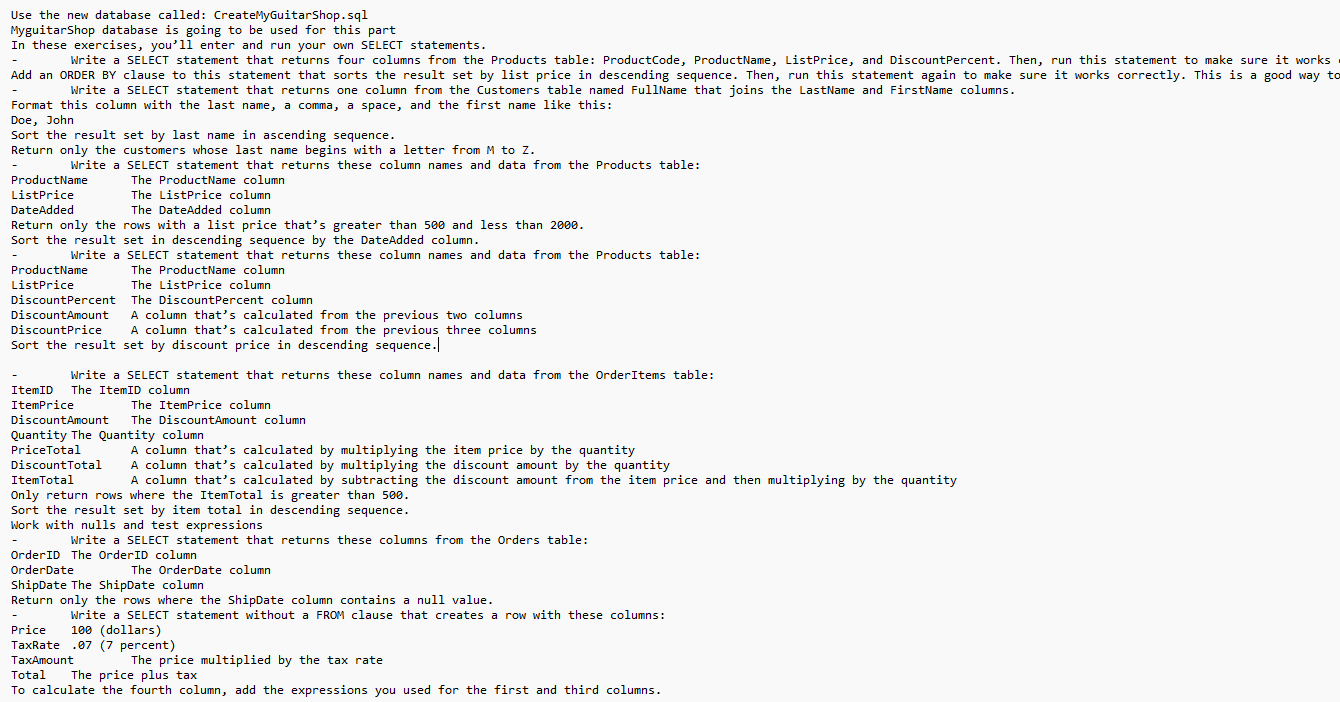
Use the new database called: CreateMyGuitarShop.sql MyguitarShop database is going to be used for this part In these exercises, you'll enter and run your own SELECT statements. Write a SELECT statement that returns one column from the Customers table named FullName that joins the LastName and FirstName columns. Format this column with the last name, a comma, a space, and the first name like this: Doe, John Sort the result set by last name in ascending sequence. Return only the customers whose last name begins with a letter from M to z. - Write a SELECT statement that returns these column names and data from the Products table: ProductName The ProductName column ListPrice The ListPrice column The DateAdded column Deturn only the rows with a list price that's greater than 500 and less than 2000. Sort the result set in descending sequence by the DateAdded column. - Write a SELECT statement that returns these column names and data from the Products table: ProductName The ProductName column ListPrice The ListPrice column DiscountPercent The DiscountPercent column DiscountAmount A column that's calculated from the previous two columns DiscountPrice A column that's calculated from the previous three columns Sort the result set by discount price in descending sequence.| - Write a SELECT statement that returns these column names and data from the orderItems table: ItemID The ItemID column ItemPrice The ItemPrice column DiscountAmount The DiscountAmount column Quantity The Quantity column Pricetotal A column that's calculated by multiplying the item price by the quantity DiscountTotal A column that's calculated by multiplying the discount amount by the quantity ItemTotal A column that's calculated by subtracting the discount amount from the item price and then multiplying by the quantity Only return rows where the ItemTotal is greater than 500. Sort the result set by item total in descending sequence. Work with nulls and test expressions - Write a SELECT statement that returns these columns from the Orders table: OrderID The OrderID column OrderDate The OrderDate column ShipDate The ShipDate column Return only the rows where the ShipDate column contains a null value. - Write a SELECT statement without a FROM clause that creates a row with these columns: Price 100 (dollars) TaxRate .07 (7 percent) TaxAmount The price multiplied by the tax rate Total The price plus tax To calculate the fourth column, add the expressions you used for the first and third columns
Step by Step Solution
There are 3 Steps involved in it

Get step-by-step solutions from verified subject matter experts
 Study Help