



Question: Use the Value Field Settings dialog box to change the value field for Revenue from Sum of Revenue to Total Revenue and change the number
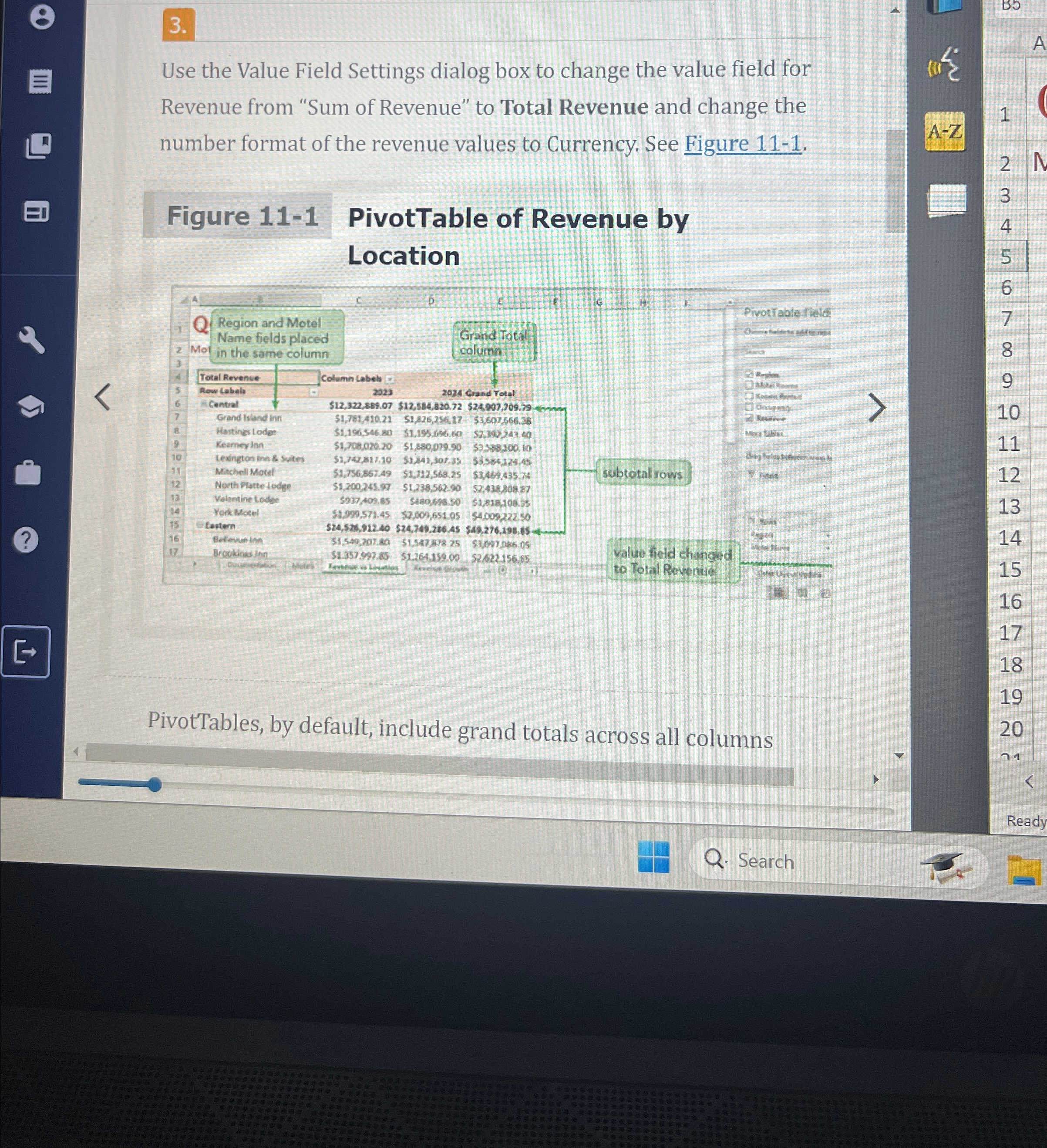
Use the Value Field Settings dialog box to change the value field for Revenue from "Sum of Revenue" to Total Revenue and change the number format of the revenue values to Currency. See Figure
Figure
PivotTable of Revenue by Location
PivotTables, by default, include grand totals across all columns
Search
Step by Step Solution
There are 3 Steps involved in it
1 Expert Approved Answer
Step: 1 Unlock

Question Has Been Solved by an Expert!
Get step-by-step solutions from verified subject matter experts
Step: 2 Unlock
Step: 3 Unlock