







Question: Use your code editor to open the project 0 6 - 0 3 _ txt . html and project 0 6 - 0 3 _
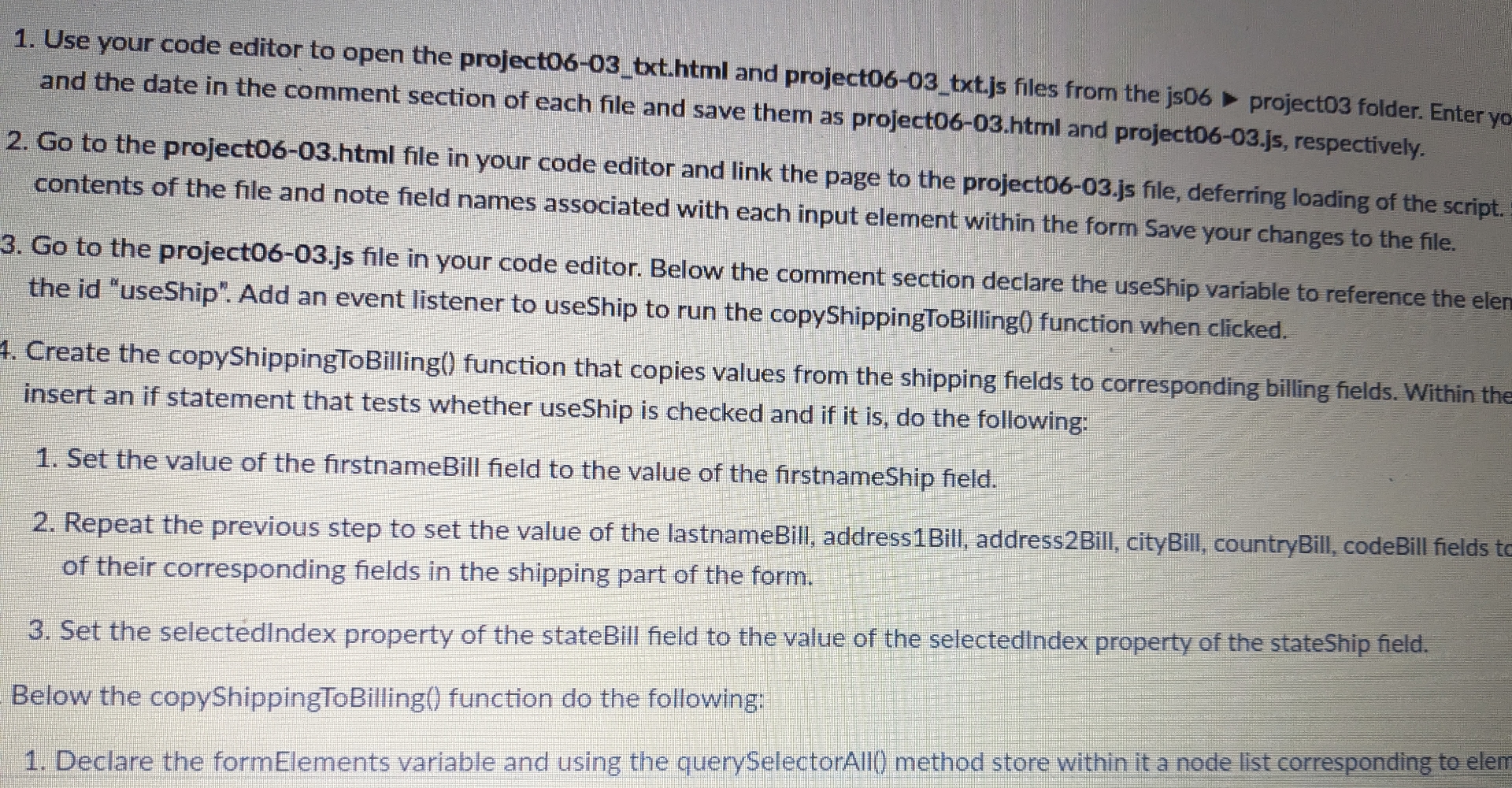
Use your code editor to open the projecttxthtml and projecttxtjs files from the js project folder. Enter yo and the date in the comment section of each file and save them as projecthtml and projectjs respectively.
Go to the project html file in your code editor and link the page to the projectjs file, deferring loading of the script. contents of the file and note field names associated with each input element within the form Save your changes to the file.
Go to the projectjs file in your code editor. Below the comment section declare the useShip variable to reference the eler the id "useShip". Add an event listener to useShip to run the copyShippingToBilling function when clicked.
Create the copyShippingToBilling function that copies values from the shipping fields to corresponding billing fields. Within the insert an if statement that tests whether useShip is checked and if it is do the following:
Set the value of the firstnameBill field to the value of the firstnameShip field.
Repeat the previous step to set the value of the lastnameBill, addressBill, addressBill, cityBill, countryBill, codeBill fields tc of their corresponding fields in the shipping part of the form.
Set the selected lndex property of the stateBill field to the value of the selectedindex property of the stateShip field.
Below the copyShippingToBilling function do the following:
Declare the formElements variable and using the querySelectorAll method store within it a node list corresponding to elemok
Step by Step Solution
There are 3 Steps involved in it
1 Expert Approved Answer
Step: 1 Unlock

Question Has Been Solved by an Expert!
Get step-by-step solutions from verified subject matter experts
Step: 2 Unlock
Step: 3 Unlock
 Study Help