







Question: Use your Web browser to go to support.dlink.com/emulators/dap1350 1. Click on AP mode, pane, then click on login without entering apqassword. In the left pane
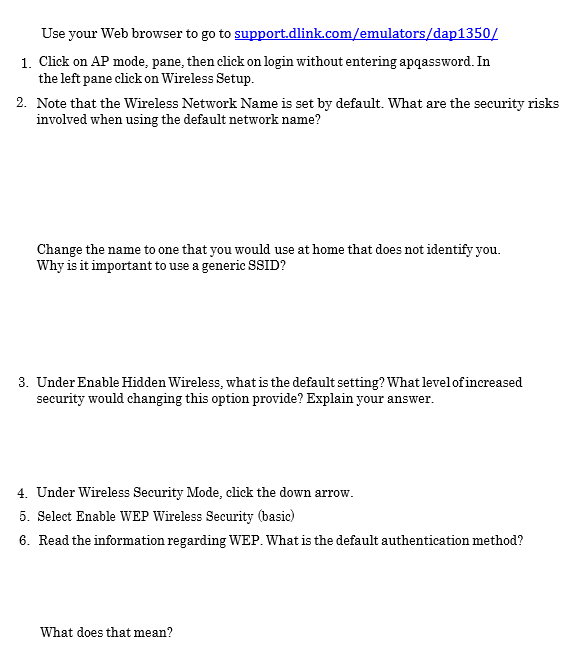
Use your Web browser to go to support.dlink.com/emulators/dap1350 1. Click on AP mode, pane, then click on login without entering apqassword. In the left pane click on Wireless Setup. 2. Note that the Wireless Network Name is set by default. What are the security risks involved when using the default network name? Change the name to one that you would use at home that does not identify you. Why is it important to use a generic SSID? 3. Under Enable Hidden Wireless, what is the default setting?What levelof increased security would changing this option provide? Explain your answer. 4. Under Wireless Security Mode, click the down arrow. 5. Select Enable WEP Wireless Security (basic) 6. Read the information regarding WEP. What is the default authentication method? What does that mean
Step by Step Solution
There are 3 Steps involved in it

Get step-by-step solutions from verified subject matter experts
 Study Help