







Question: Using a CentOS 7 Linux virtual machine Im stuck on Ex 1.b Page of 2 ZOOM contigura and htps service baxes ation Then, with the
Using a CentOS 7 Linux virtual machine
Im stuck on Ex 1.b
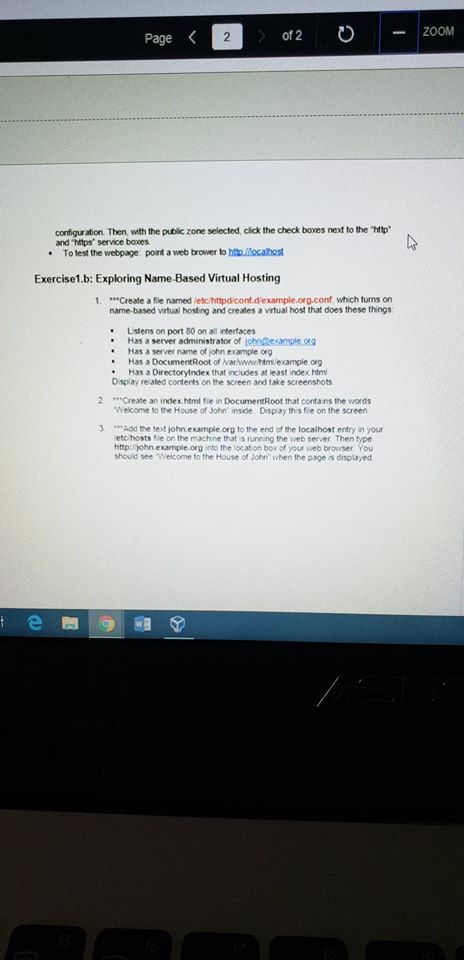
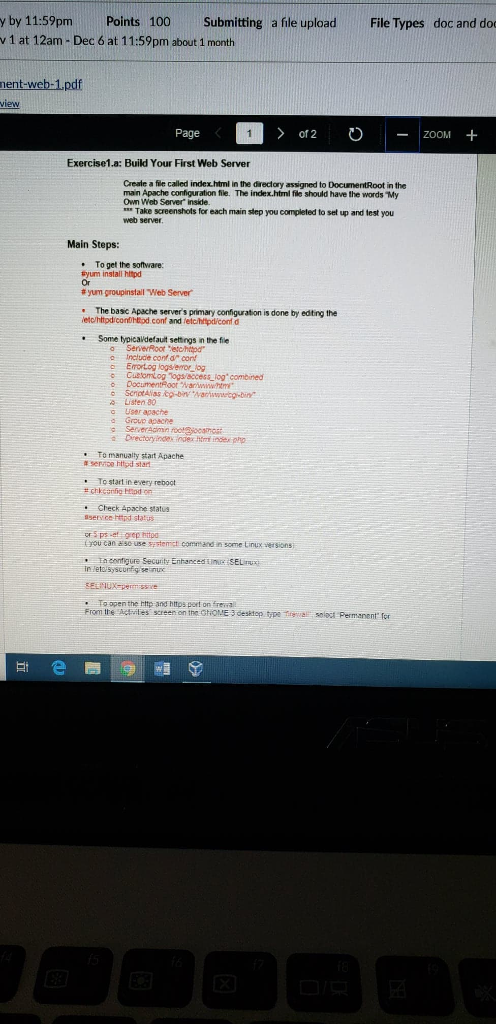
Page of 2 ZOOM contigura and "htps service baxes ation Then, with the public zone selected, click the check boxes next to the "http .To test the webpage point a web brower to hth Rocalbost Exercise1.b: Exploring Name-Based Virtual Hosting 1. Create a file named letc/hittpdiconf.dexample.org.conf, which turns on name-based virtual hosting and creates a virtual host that does these things . Lstens on port 80 on all interfaces Has a server administrator of ichnRexample ong . Has a server name of john example og . Has a DocumentRoot of Nar/www.htm/example oeg Has a Directoryindex that includes at least index htm Dsplay related contents on the screen and take screenshots 2 Create an index.htmt fie in DocumentRoot that contains the words Welcome to the House of John' inside Dispay this fie on the screen Sod he text john.example.org to the end of the localhost entry in your etc hosts le on the machine that s running the web server. Then type http: john.example.org into the locat on box of your web browser You should see Welcome to the House of John when the page is displayed e a Page of 2 ZOOM contigura and "htps service baxes ation Then, with the public zone selected, click the check boxes next to the "http .To test the webpage point a web brower to hth Rocalbost Exercise1.b: Exploring Name-Based Virtual Hosting 1. Create a file named letc/hittpdiconf.dexample.org.conf, which turns on name-based virtual hosting and creates a virtual host that does these things . Lstens on port 80 on all interfaces Has a server administrator of ichnRexample ong . Has a server name of john example og . Has a DocumentRoot of Nar/www.htm/example oeg Has a Directoryindex that includes at least index htm Dsplay related contents on the screen and take screenshots 2 Create an index.htmt fie in DocumentRoot that contains the words Welcome to the House of John' inside Dispay this fie on the screen Sod he text john.example.org to the end of the localhost entry in your etc hosts le on the machine that s running the web server. Then type http: john.example.org into the locat on box of your web browser You should see Welcome to the House of John when the page is displayed e a
Step by Step Solution
There are 3 Steps involved in it

Get step-by-step solutions from verified subject matter experts
 Study Help