







Question: Using Android Studio language: Kotlin Objectives To develop an app with RecyclerViews To use Cardview widgets Instructions For this app, you are to develop a
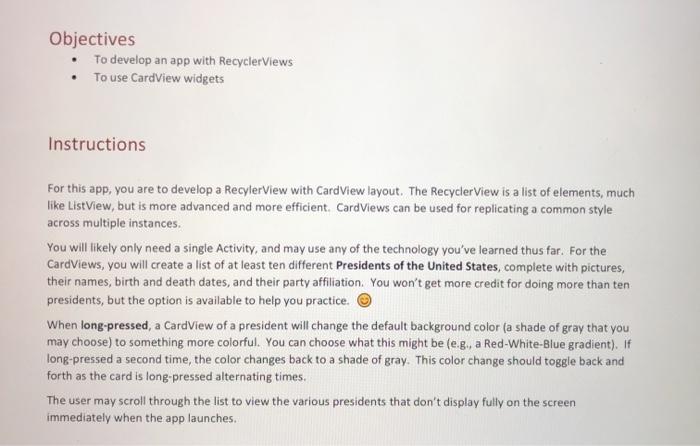
Objectives To develop an app with RecyclerViews To use Cardview widgets Instructions For this app, you are to develop a Recylerview with Card View layout. The RecyclerView is a list of elements, much like ListView, but is more advanced and more efficient. Card Views can be used for replicating a common style across multiple instances. You will likely only need a single Activity, and may use any of the technology you've learned thus far. For the Cardviews, you will create a list of at least ten different Presidents of the United States, complete with pictures, their names, birth and death dates, and their party affiliation. You won't get more credit for doing more than ten presidents, but the option is available to help you practice. When long-pressed, a Cardview of a president will change the default background color (a shade of gray that you may choose) to something more colorful. You can choose what this might beleg, a Red-White-Blue gradient). If long-pressed a second time, the color changes back to a shade of gray. This color change should toggle back and forth as the card is long-pressed alternating times. The user may scroll through the list to view the various presidents that don't display fully on the screen immediately when the app launches. Objectives To develop an app with RecyclerViews To use Cardview widgets Instructions For this app, you are to develop a Recylerview with Card View layout. The RecyclerView is a list of elements, much like ListView, but is more advanced and more efficient. Card Views can be used for replicating a common style across multiple instances. You will likely only need a single Activity, and may use any of the technology you've learned thus far. For the Cardviews, you will create a list of at least ten different Presidents of the United States, complete with pictures, their names, birth and death dates, and their party affiliation. You won't get more credit for doing more than ten presidents, but the option is available to help you practice. When long-pressed, a Cardview of a president will change the default background color (a shade of gray that you may choose) to something more colorful. You can choose what this might beleg, a Red-White-Blue gradient). If long-pressed a second time, the color changes back to a shade of gray. This color change should toggle back and forth as the card is long-pressed alternating times. The user may scroll through the list to view the various presidents that don't display fully on the screen immediately when the app launches
Step by Step Solution
There are 3 Steps involved in it

Get step-by-step solutions from verified subject matter experts
 Study Help