







Question: using assemply language Below are the steps for configuring and using the Timero for delay generation: 1. Calculate the Timer Count for the required delay.
using assemply language
Below
are the steps for configuring and using the Timero for delay generation: 1. Calculate the Timer Count for the required delay. 2. Set the Presaclar bits in OPTION REG as per the delay calculations. Clear the PSAbit for using the prescalar. 4. Select the Clock Source internal/External using TOCS bit. 5. Load the timer value into TMRO register. 6. Enable the Times Interrupt by setting bit 7. Enable the Global and Peripheral interrupts by setting GIE and PIE bits Below is the sample code to blink the LEDs with s delay. Fosc = 4MH
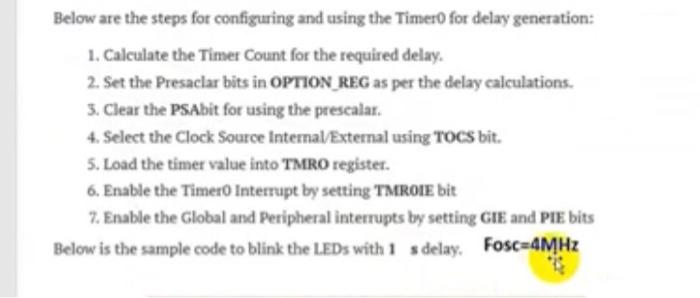
Below are the steps for configuring and using the Timero for delay generation: 1. Calculate the Timer Count for the required delay. 2. Set the Presaclar bits in OPTION REG as per the delay calculations. 3. Clear the PSAbit for using the prescalar. 4. Select the Clock Source internal/External using TOCS bit. 5. Load the timer value into TMRO register. 6. Enable the Timero Interrupt by setting TMROIE bit 7. Enable the Global and Peripheral interrupts by setting GIE and PIE bits Below is the sample code to blink the LEDs with 1 sdelay. Fosc=4MHz
Step by Step Solution
There are 3 Steps involved in it
1 Expert Approved Answer
Step: 1 Unlock

Question Has Been Solved by an Expert!
Get step-by-step solutions from verified subject matter experts
Step: 2 Unlock
Step: 3 Unlock
 Study Help