







Question: using C# language, a WPF application will be made with the application being able to add a person, edit the person's details, delete the person's
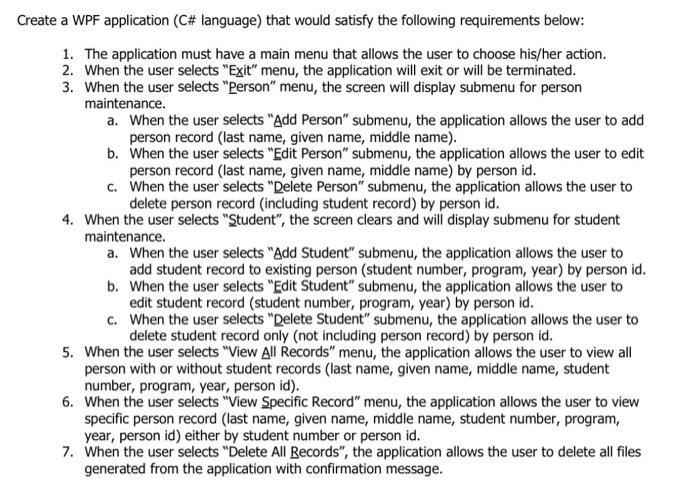
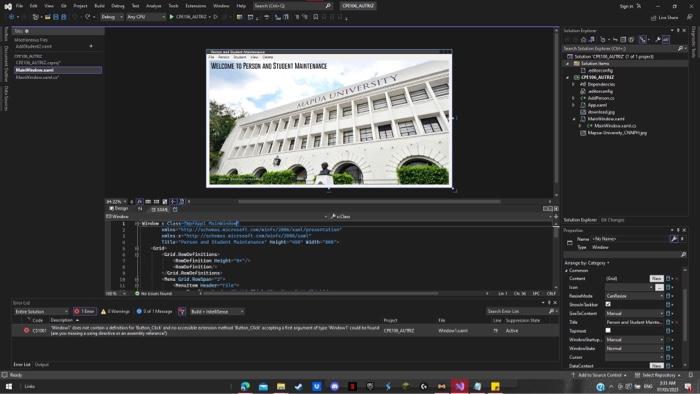
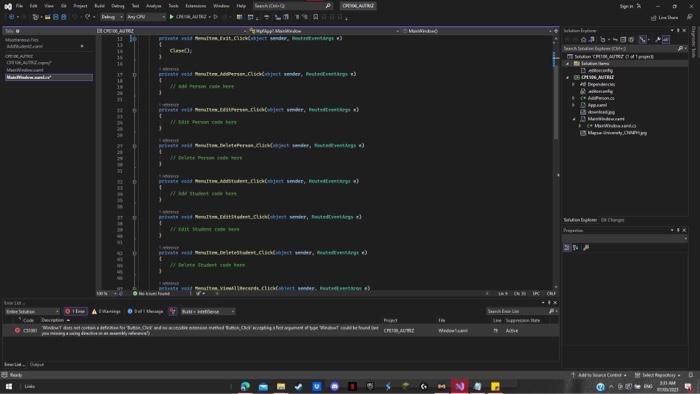
eate a WPF application (C\# language) that would satisfy the following requirements below: 1. The application must have a main menu that allows the user to choose his/her action. 2. When the user selects "Exit" menu, the application will exit or will be terminated. 3. When the user selects "Person" menu, the screen will display submenu for person maintenance. a. When the user selects "Add Person" submenu, the application allows the user to add person record (last name, given name, middle name). b. When the user selects "Edit Person" submenu, the application allows the user to edit person record (last name, given name, middle name) by person id. c. When the user selects "Delete Person" submenu, the application allows the user to delete person record (including student record) by person id. 4. When the user selects "tudent", the screen clears and will display submenu for student maintenance. a. When the user selects "Add Student" submenu, the application allows the user to add student record to existing person (student number, program, year) by person id. b. When the user selects "Edit Student" submenu, the application allows the user to edit student record (student number, program, year) by person id. c. When the user selects "Delete Student" submenu, the application allows the user to delete student record only (not including person record) by person id
Step by Step Solution
There are 3 Steps involved in it

Get step-by-step solutions from verified subject matter experts
 Study Help