







Question: using c programming in microchip studio Using an Arduino UNO or Arduino Nano, a breadboard, a 7-Segment Display, and the 44 keypad write a C
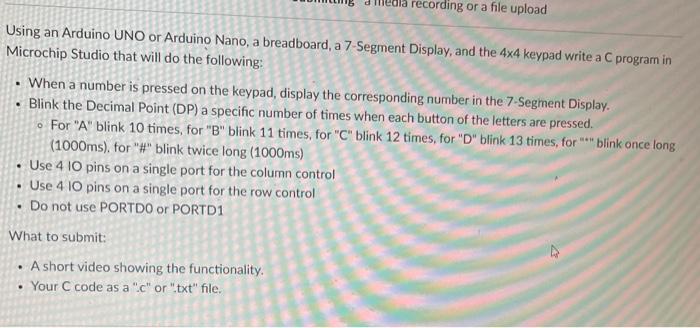
Using an Arduino UNO or Arduino Nano, a breadboard, a 7-Segment Display, and the 44 keypad write a C program in Microchip Studio that will do the following: - When a number is pressed on the keypad, display the corresponding number in the 7-Segment Display. - Blink the Decimal Point (DP) a specific number of times when each button of the letters are pressed. - For "A" blink 10 times, for "B" blink 11 times, for "C" blink 12 times, for "D" blink 13 times, for "*" blink once long (1000ms), for "\#" blink twice long (1000ms) - Use 410 pins on a single port for the column control - Use 410 pins on a single port for the row control - Do not use PORTDO or PORTD1 What to submit: - A short video showing the functionality. - Your C code as a "c" or ".txt" file
Step by Step Solution
There are 3 Steps involved in it

Get step-by-step solutions from verified subject matter experts
 Study Help