







Question: Using Cisco Packet Tracer add one 1841 Router connected through one Laptop as console(As shown in the attached topology image) & do the following basic
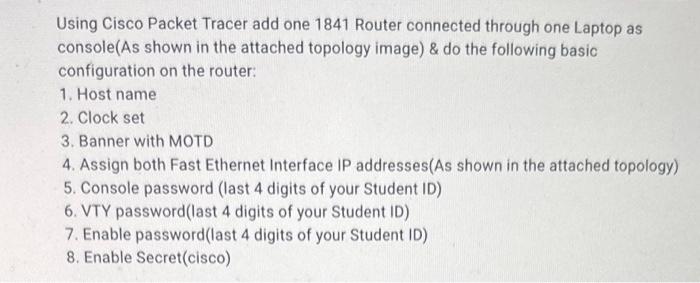
Using Cisco Packet Tracer add one 1841 Router connected through one Laptop as console(As shown in the attached topology image) \& do the following basic configuration on the router: 1. Host name 2. Clock set 3. Banner with MOTD 4. Assign both Fast Ethernet Interface IP addresses(As shown in the attached topology) 5. Console password (last 4 digits of your Student ID) 6. VTY password(last 4 digits of your Student ID) 7. Enable password(last 4 digits of your Student ID) 8. Enable Secret(cisco) Caption Using Cisco Packet Tracer add one 1841 Router connected through one Laptop as console(As shown in the attached topology image) \& do the following basic configuration on the router: 1. Host name 2. Clock set 3. Banner with MOTD 4. Assign both Fast Ethernet Interface IP addresses(As shown in the attached topology) 5. Console password (last 4 digits of your Student ID) 6. VTY password(last 4 digits of your Student ID) 7. Enable password(last 4 digits of your Student ID) 8. Enable Secret(cisco) Caption
Step by Step Solution
There are 3 Steps involved in it

Get step-by-step solutions from verified subject matter experts
 Study Help