







Question: using different arithmetic operators b Activity 2.1B: Using Different Arithmetic Operators Using Different Arithmetic Operators 1. Go to your main.py file. 2. On the first
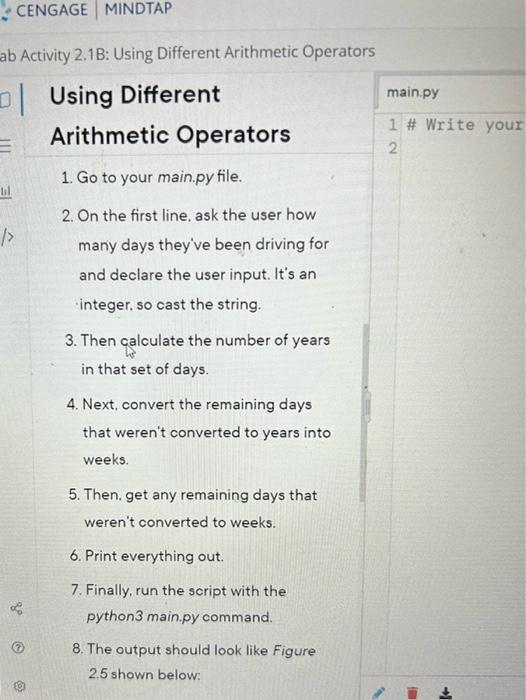
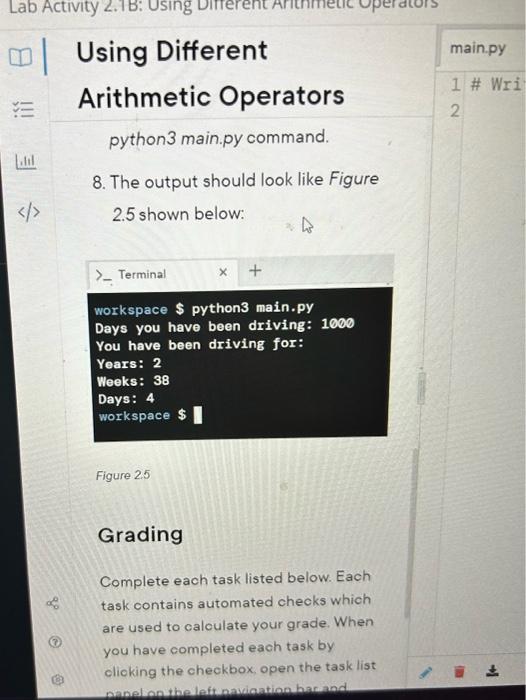
b Activity 2.1B: Using Different Arithmetic Operators Using Different Arithmetic Operators 1. Go to your main.py file. 2. On the first line, ask the user how many days they've been driving for and declare the user input. It's an integer, so cast the string. 3. Then calculate the number of years in that set of days. 4. Next, convert the remaining days that weren't converted to years into weeks. 5. Then. get any remaining days that weren't converted to weeks. 6. Print everything out. 7. Finally, run the script with the python 3 main.py command. 8. The output should look like Figure 2.5 shown below: workspace $ python3 main.py Days you have been driving: 1000 You have been driving for: Years: 2 Weeks: 38 Days: 4 workspace Figure 2.5 Grading Complete each task listed below. Each task contains automated cheoks which are used to caloulate your grade. When you have completed each task by olioking the cheokbox, open the task list
Step by Step Solution
There are 3 Steps involved in it

Get step-by-step solutions from verified subject matter experts
 Study Help