







Question: USING HTML Part 1. Build a form has the following text fields which must be filled out by the user: Customer name: should starts with
USING HTML
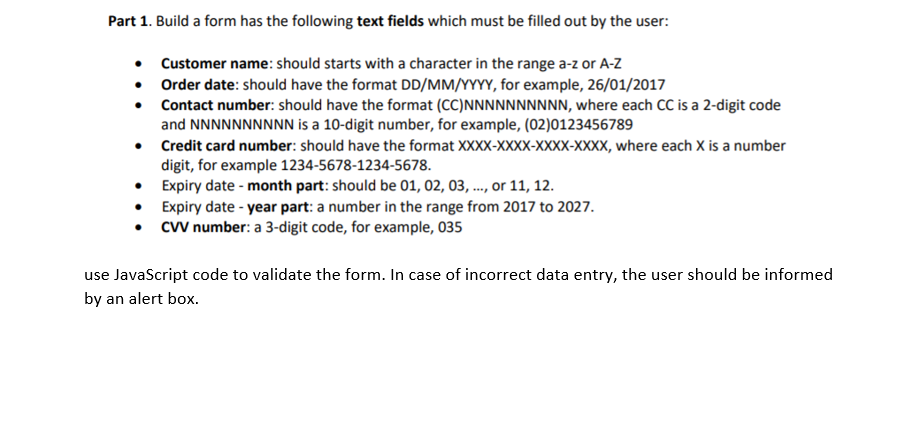
Part 1. Build a form has the following text fields which must be filled out by the user: Customer name: should starts with a character in the range a-z or A-Z Order date: should have the format DD/MM/YYYY, for example, 26/01/2017 Contact number: should have the format (CC)NNNNNNNNNN, where each CC is a 2-digit code and NNNNNNNNNN is a 10-digit number, for example, (02)0123456789 Credit card number: should have the format XXXX-XXXX-XXXX-XXXX, where each X is a number digit, for example 1234-5678-1234-5678. Expiry date - month part: should be 01, 02, 03, ..., or 11, 12. Expiry date - year part: a number in the range from 2017 to 2027. CW number: a 3-digit code, for example, 035 use JavaScript code to validate the form. In case of incorrect data entry, the user should be informed by an alert box
Step by Step Solution
There are 3 Steps involved in it

Get step-by-step solutions from verified subject matter experts
 Study Help