







Question: Using LABVIEW only please!!! Using LABVIEW only please Create a VI called YourName_Problem1. On the front panel create an array of clusters called Classroom. Each
Using LABVIEW only please!!!
 Using LABVIEW only please
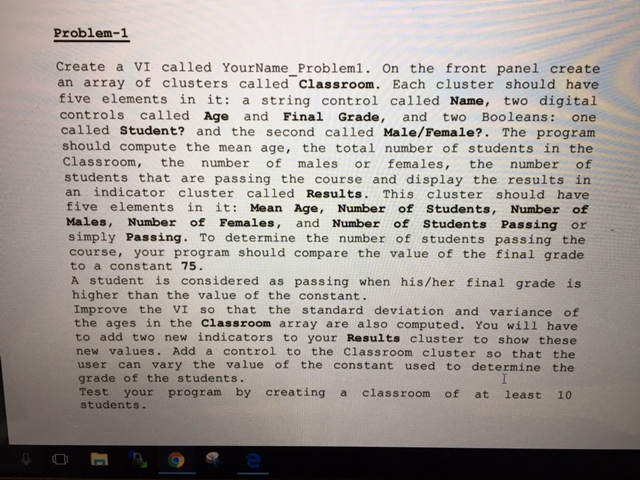
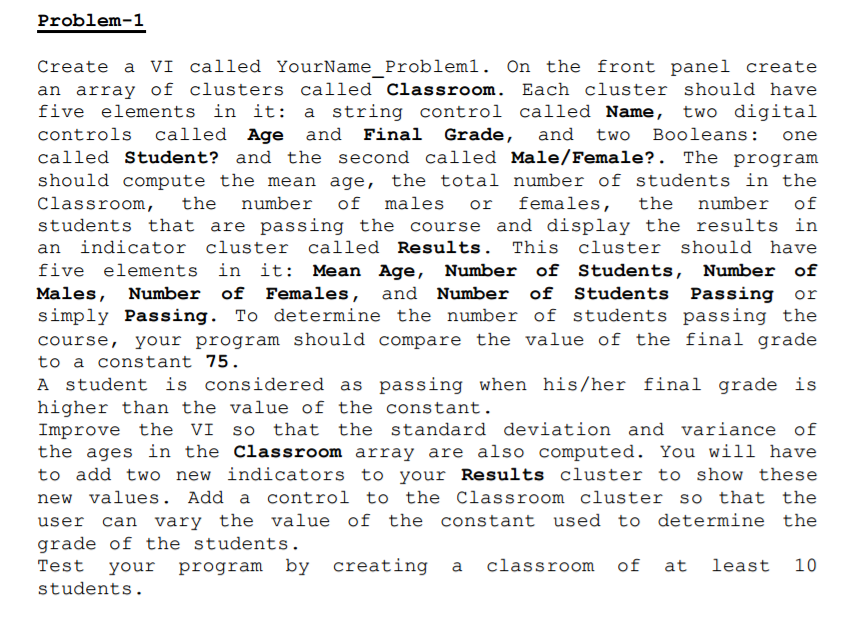
Create a VI called YourName_Problem1. On the front panel create an array of clusters called Classroom. Each cluster should have five elements in it: a string control called Name, two digital controls called Age and Final Grade, and two Booleans: one called Student? and the second called Male/Female?. The program should compute the mean age, the total number of students in the Classroom, the number of males or females, the number of students that are passing the course and display the results in an indicator cluster called Results. This cluster should have five elements in it: Mean Age, Number of Students, Number of Males, Number of Females, and Number of Students Passing or simply Passing. To determine the number of students passing the course, your program should compare the value of the final grade to a constant 75. A student is considered as passing when his/her final grade is higher than the value of the constant. Improve the VI so that the standard deviation and variance of the ages in the Classroom array are also computed. You will have to add two new indicators to your Results cluster to show these new values. Add a control to the Classroom cluster so that the user can vary the value of the constant used to determine the grade of the students. Test your program by creating a classroom of at least 10 students. Create a VI called YourName_Problem1. On the front panel create an array of clusters called Classroom. Each cluster should have five elements in it: a string control called Name, two digital controls called Age and Final Grade, and two Booleans: one called Student? and the second called Male/Female?. The program should compute the mean age, the total number of students in the Classroom, the number of males or females, the number of students that are passing the course and display the results in an indicator cluster called Results. This cluster should have five elements in it: Mean Age, Number of Students, Number of Males, Number of Females, and Number of Students Passing or simply Passing. To determine the number of students passing the course, your program should compare the value of the final grade to a constant 75. A student is considered as passing when his/her final grade is higher than the value of the constant. Improve the VI so that the standard deviation and variance of the ages in the Classroom array are also computed. You will have to add two new indicators to your Results cluster to show these new values. Add a control to the Classroom cluster so that the user can vary the value of the constant used to determine the grade of the students. Test your program by creating a classroom of at least 10 students. Create a VI called YourName_Problem1. On the front panel create an array of clusters called Classroom. Each cluster should have five elements in it: a string control called Name, two digital controls called Age and Final Grade, and two Booleans: one called Student? and the second called Male/Female?. The program should compute the mean age, the total number of students in the Classroom, the number of males or females, the number of students that are passing the course and display the results in an indicator cluster called Results. This cluster should have five elements in it: Mean Age, Number of Students, Number of Males, Number of Females, and Number of Students Passing or simply Passing. To determine the number of students passing the course, your program should compare the value of the final grade to a constant 75. A student is considered as passing when his/her final grade is higher than the value of the constant. Improve the VI so that the standard deviation and variance of the ages in the Classroom array are also computed. You will have to add two new indicators to your Results cluster to show these new values. Add a control to the Classroom cluster so that the user can vary the value of the constant used to determine the grade of the students. Test your program by creating a classroom of at least 10 students. Create a VI called YourName_Problem1. On the front panel create an array of clusters called Classroom. Each cluster should have five elements in it: a string control called Name, two digital controls called Age and Final Grade, and two Booleans: one called Student? and the second called Male/Female?. The program should compute the mean age, the total number of students in the Classroom, the number of males or females, the number of students that are passing the course and display the results in an indicator cluster called Results. This cluster should have five elements in it: Mean Age, Number of Students, Number of Males, Number of Females, and Number of Students Passing or simply Passing. To determine the number of students passing the course, your program should compare the value of the final grade to a constant 75. A student is considered as passing when his/her final grade is higher than the value of the constant. Improve the VI so that the standard deviation and variance of the ages in the Classroom array are also computed. You will have to add two new indicators to your Results cluster to show these new values. Add a control to the Classroom cluster so that the user can vary the value of the constant used to determine the grade of the students. Test your program by creating a classroom of at least 10 students
Step by Step Solution
There are 3 Steps involved in it

Get step-by-step solutions from verified subject matter experts
 Study Help