



Question: Using MATLAB. Please pay attention to the (Restrictions), because the assessment will be incorrect!? CHALLENGE 8.3.1: Customized greeting ACTIVITY This tool is provided by a
Using MATLAB. Please pay attention to the (Restrictions), because the assessment will be incorrect!?
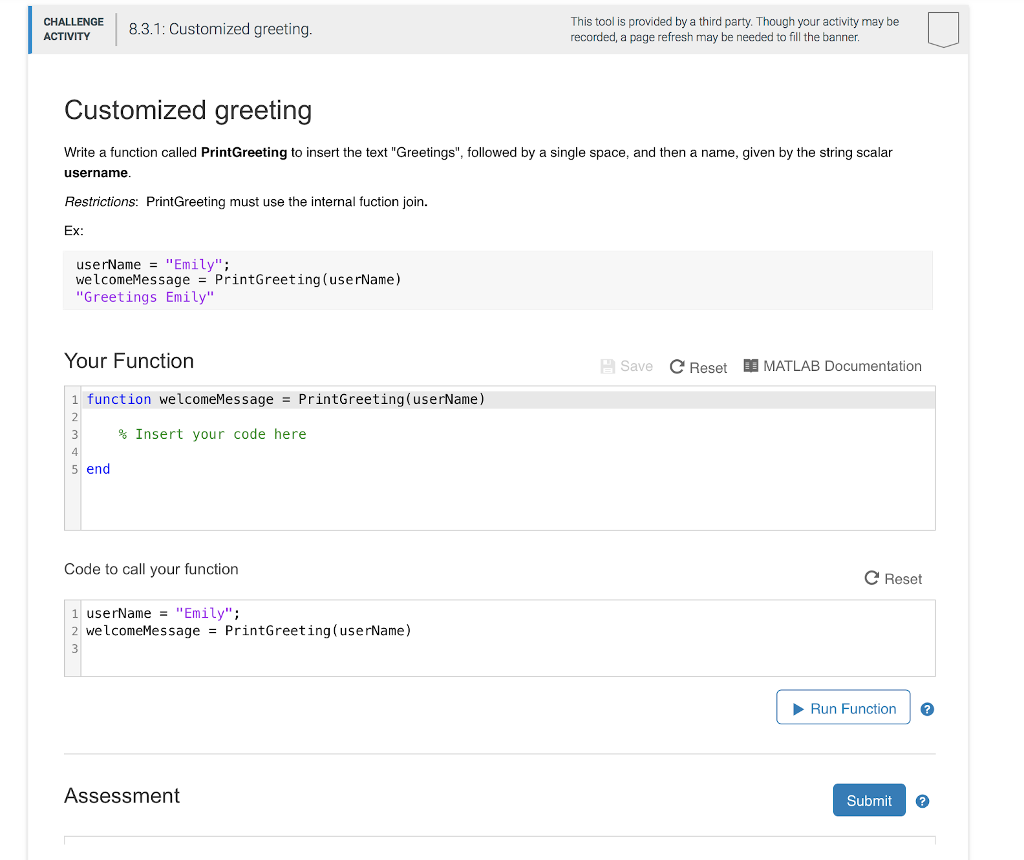
CHALLENGE 8.3.1: Customized greeting ACTIVITY This tool is provided by a third party. Though your activity may be recorded, a page refresh may be needed to fill the banner. Customized greeting Write a function called PrintGreeting to insert the text "Greetings", followed by a single space, and then a name, given by the string scalar username Restrictions: PrintGreeting must use the internal fuction join. Ex: userName "Emily" welcomeMessage- PrintGreeting(userName) "Greetings Emily" Your Function Save C Reset MATLAB Documentation 1 function welcomeMessage-PrintGreeting(userName) % Insert your code here 5 end Code to call your function C Reset 1 userName"Emily" 2welcomeMessage = PrintGreeting(userName) Run Function Assessment SubmitG
Step by Step Solution
There are 3 Steps involved in it

Get step-by-step solutions from verified subject matter experts