







Question: Using MATLAB, simulate the response of both the linear and the nonlinear differential equation models for the simple pendulum discussed in class. Run the following
Using MATLAB, simulate the response of both the linear and the nonlinear differential equation
models for the simple pendulum discussed in class. Run the following cases. Use and
aI and
bI and
For each case, provide a properly labeled plot of the angular position rad and angular velocity
on the same graph over the interval of to Compare the response ie motion
range, and frequency between the linear and nonlinear models for both cases. Note that the
model for the pendulum is a nonlinear differential equation. Below is an example of how to
solve a nonlinear differential equation in MATLAB. The example is:
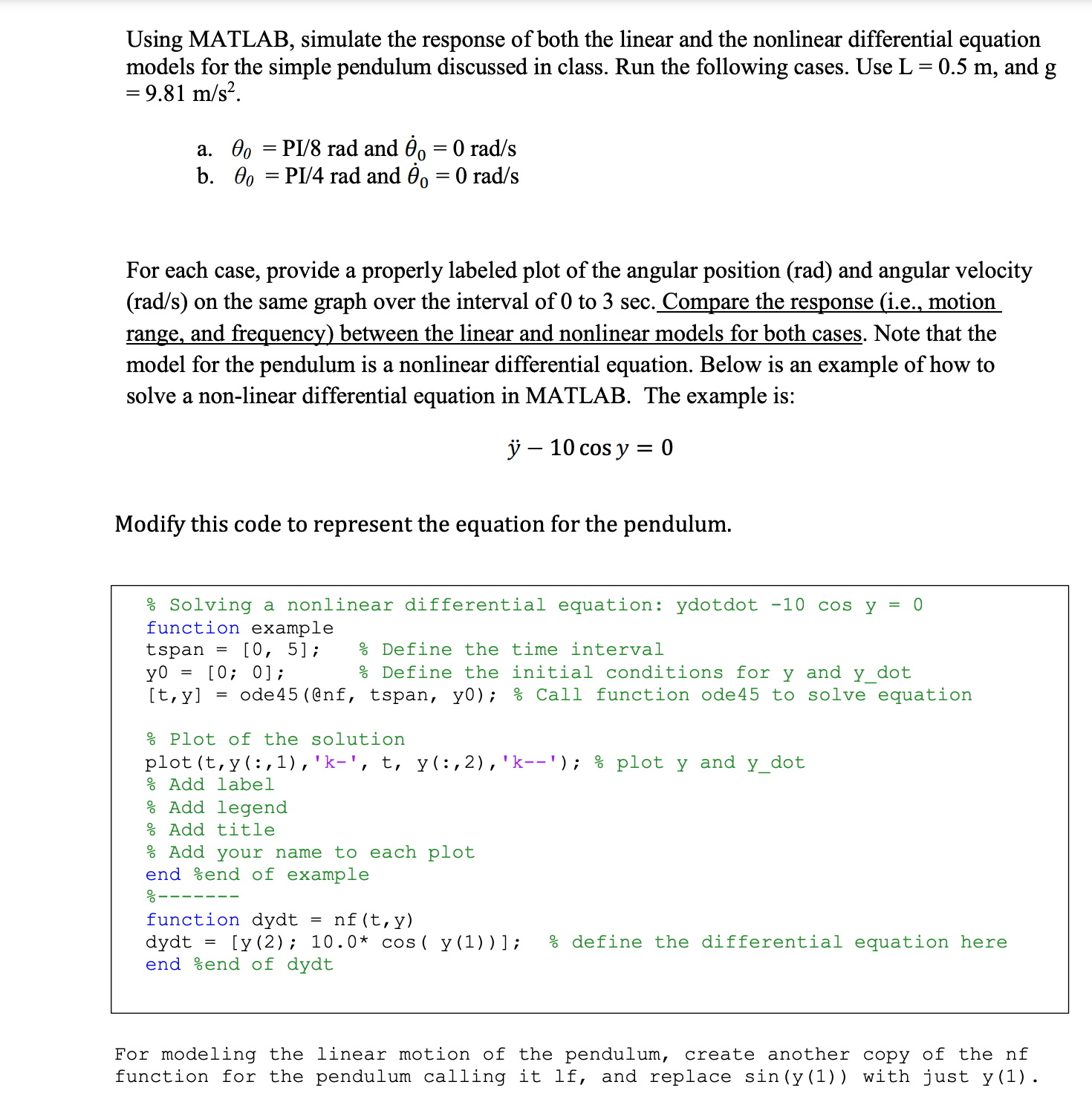
Modify this code to represent the equation for the pendulum.
Solving a nonlinear differential equation: ydotdot
function example
tspan; Define the time interval
;; Define the initial conditions for and dot
ode@nf tspan, y; Call function ode to solve equation
P Plot of the solution
plot ::; plot and
Add label
Add legend
: Add title
Add your name to each plot
end end of example
function dydt
dydt ;; define the differential equation here
end end of dydt
For modeling the linear motion of the pendulum, create another copy of the nf
function for the pendulum calling it lf and replace siny with just y
Step by Step Solution
There are 3 Steps involved in it
1 Expert Approved Answer
Step: 1 Unlock

Question Has Been Solved by an Expert!
Get step-by-step solutions from verified subject matter experts
Step: 2 Unlock
Step: 3 Unlock
 Study Help