







Question: Using Microsoft Visual Studio 2015, and C# programming, how do you code the following?: 2. Display the form in the Form Designer, and double-click the
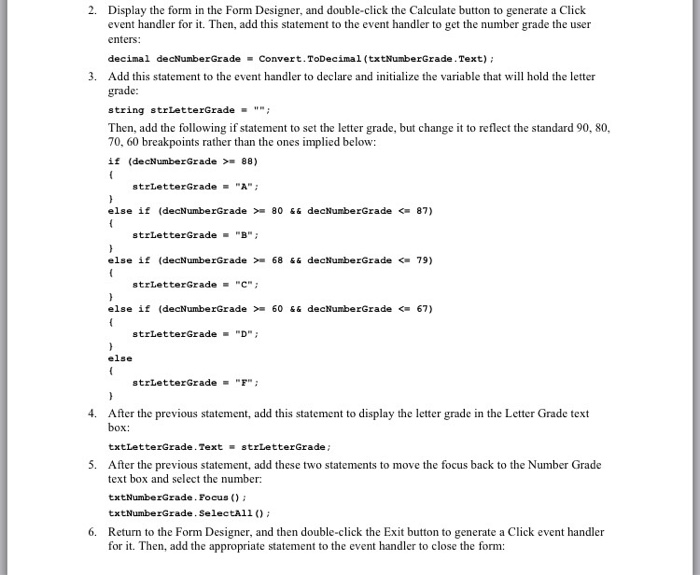
2. Display the form in the Form Designer, and double-click the Calculate button to generate a Click event handler for it. Then, add this statement to the event handler to get the number grade the user enters: decimal decNumberGradeConvert.ToDecimal (txtNumberGrade.Text); 3. Add this statement to the event handler to declare and inlize the variable that will hold the letter grade: string 8trLetterGrade ""; Then, add the following if statement to set the letter grade, but change it to reflect the standard 90, 80, 70, 60 breakpoints rather than the ones implied below if (decNumberGrade 88) strLetterGrade"A else if (decNumberGrade >-80 decNumberGrade
Step by Step Solution
There are 3 Steps involved in it

Get step-by-step solutions from verified subject matter experts
 Study Help