







Question: using r studio 7. Download the file 'Question 7.csv'. This file is available on GS, Week 5. Use read.csv () in R to read this
 using r studio
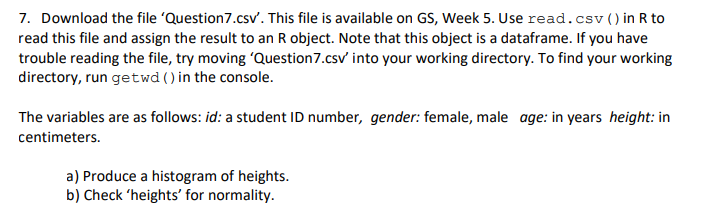
7. Download the file 'Question 7.csv'. This file is available on GS, Week 5. Use read.csv () in R to read this file and assign the result to an R object. Note that this object is a dataframe. If you have trouble reading the file, try moving 'Question7.csv' into your working directory. To find your working directory, run getwd() in the console. The variables are as follows: id: a student ID number, gender: female, male age: in years height: in centimeters. a) Produce a histogram of heights. b) Check 'heights' for normality. 7. Download the file 'Question 7.csv'. This file is available on GS, Week 5. Use read.csv () in R to read this file and assign the result to an R object. Note that this object is a dataframe. If you have trouble reading the file, try moving 'Question7.csv' into your working directory. To find your working directory, run getwd() in the console. The variables are as follows: id: a student ID number, gender: female, male age: in years height: in centimeters. a) Produce a histogram of heights. b) Check 'heights' for normality
Step by Step Solution
There are 3 Steps involved in it

Get step-by-step solutions from verified subject matter experts
 Study Help