







Question: Using the AWS SDK and Python within your AWS Educate Cloud9 environment, create a DynamoDB table and functionality as described below: Table named Courses
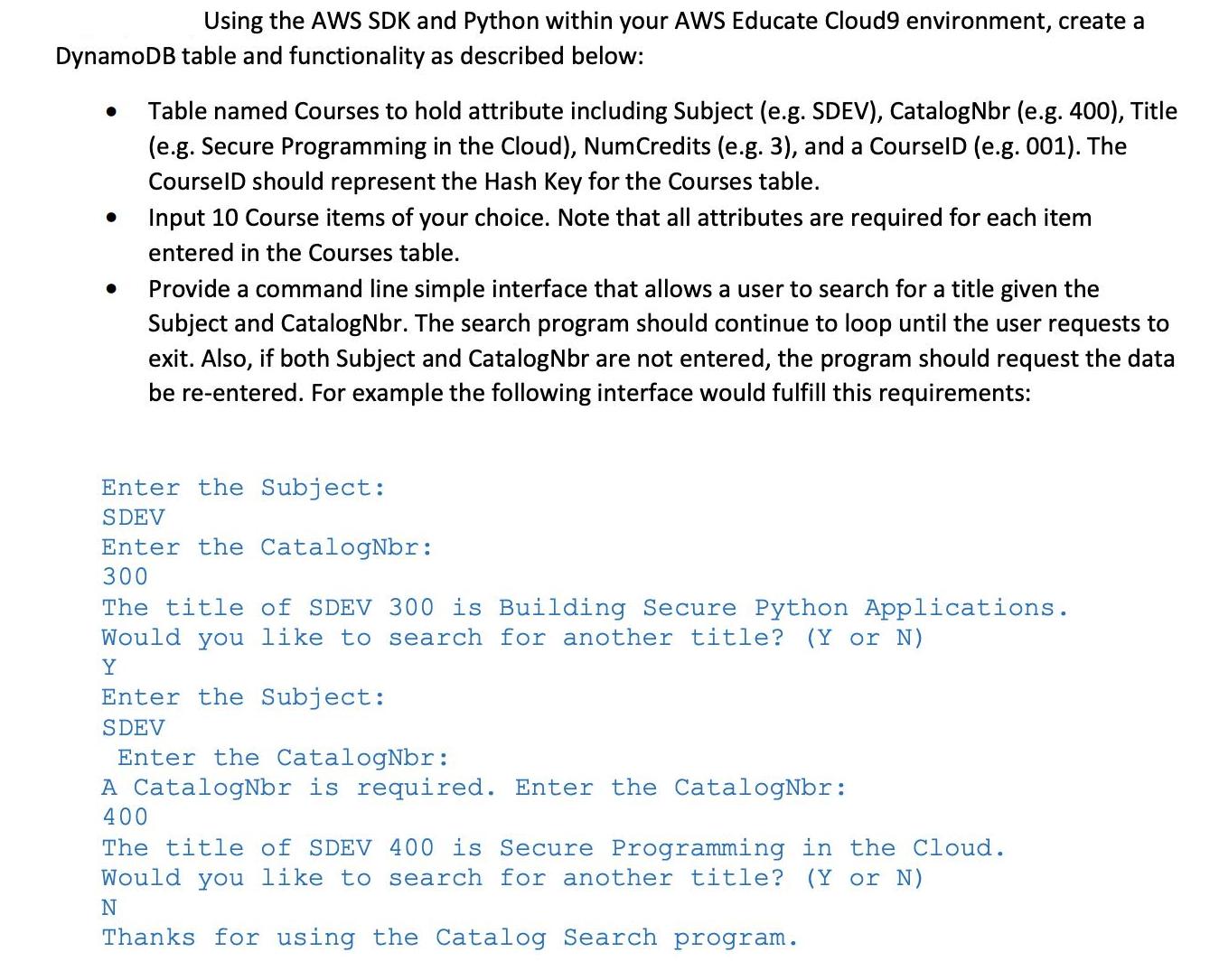
Using the AWS SDK and Python within your AWS Educate Cloud9 environment, create a DynamoDB table and functionality as described below: Table named Courses to hold attribute including Subject (e.g. SDEV), CatalogNbr (e.g. 400), Title (e.g. Secure Programming in the Cloud), NumCredits (e.g. 3), and a CourselD (e.g. 001). The CourselD should represent the Hash Key for the Courses table. Input 10 Course items of your choice. Note that all attributes are required for each item entered in the Courses table. Provide a command line simple interface that allows a user to search for a title given the Subject and CatalogNbr. The search program should continue to loop until the user requests to exit. Also, if both Subject and CatalogNbr are not entered, the program should request the data be re-entered. For example the following interface would fulfill this requirements: Enter the Subject: SDEV Enter the CatalogNbr: 300 The title of SDEV 300 is Building Secure Python Applications. Would you like to search for another title? (Y or N) Y Enter the Subject: SDEV Enter the CatalogNbr: A CatalogNbr is required. Enter the CatalogNbr: 400 The title of SDEV 400 is Secure Programming in the Cloud. Would you like to search for another title? (Y or N) N Thanks for using the Catalog Search program.
Step by Step Solution
There are 3 Steps involved in it
Creating a DynamoDB table and implementing the functionality you described involves several steps I can provide you with a highlevel outline of the pr... View full answer

Get step-by-step solutions from verified subject matter experts
 Study Help