







Question: Using the cell.tif image, Create a Matlab script that can add or subtract a scalar value from a selected pixel based on the coordinates. Now,
-
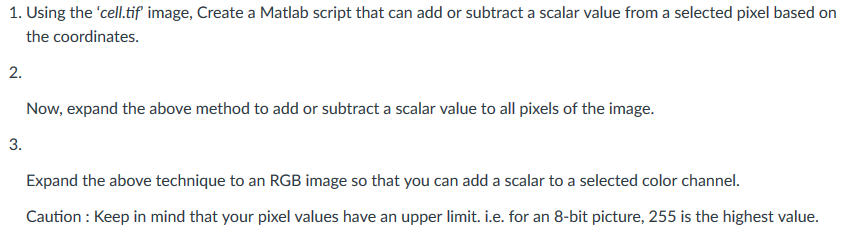
Using the cell.tif image, Create a Matlab script that can add or subtract a scalar value from a selected pixel based on the coordinates.
-
Now, expand the above method to add or subtract a scalar value to all pixels of the image.
-
Expand the above technique to an RGB image so that you can add a scalar to a selected color channel.
Caution : Keep in mind that your pixel values have an upper limit. i.e. for an 8-bit picture, 255 is the highest value.
1. Using the 'cell.tif image, Create a Matlab script that can add or subtract a scalar value from a selected pixel based on the coordinates. 2. Now, expand the above method to add or subtract a scalar value to all pixels of the image. 3. Expand the above technique to an RGB image so that you can add a scalar to a selected color channel. Caution Keep in mind that your pixel values have an upper limit. i.e. for an 8-bit picture, 255 is the highest value 1. Using the 'cell.tif image, Create a Matlab script that can add or subtract a scalar value from a selected pixel based on the coordinates. 2. Now, expand the above method to add or subtract a scalar value to all pixels of the image. 3. Expand the above technique to an RGB image so that you can add a scalar to a selected color channel. Caution Keep in mind that your pixel values have an upper limit. i.e. for an 8-bit picture, 255 is the highest value
Step by Step Solution
There are 3 Steps involved in it

Get step-by-step solutions from verified subject matter experts
 Study Help