







Question: Using the data in the table, insert a PivotTable in cell A10 on the PivotAnalysis worksheet. Use the following criteria to create the PivotTable:
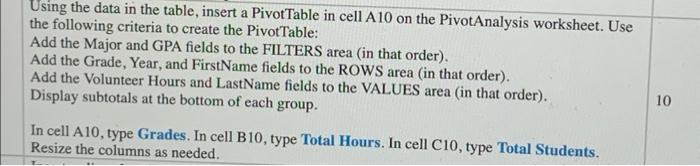
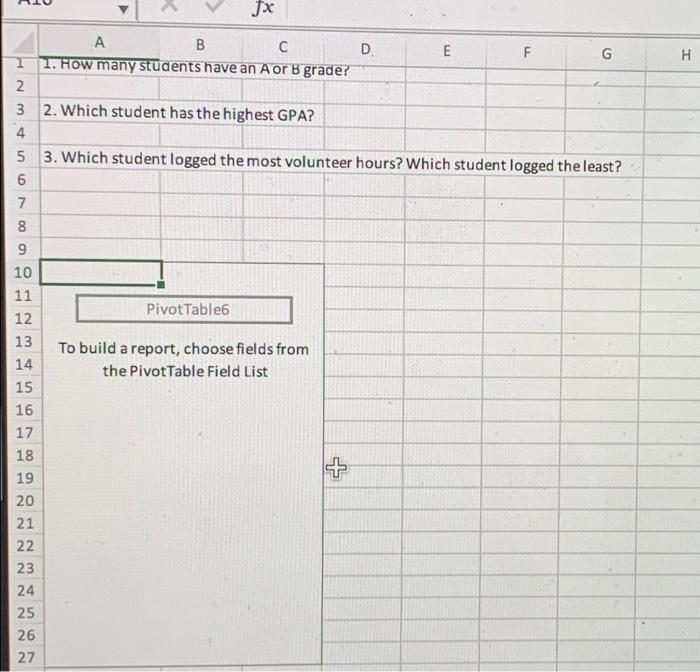
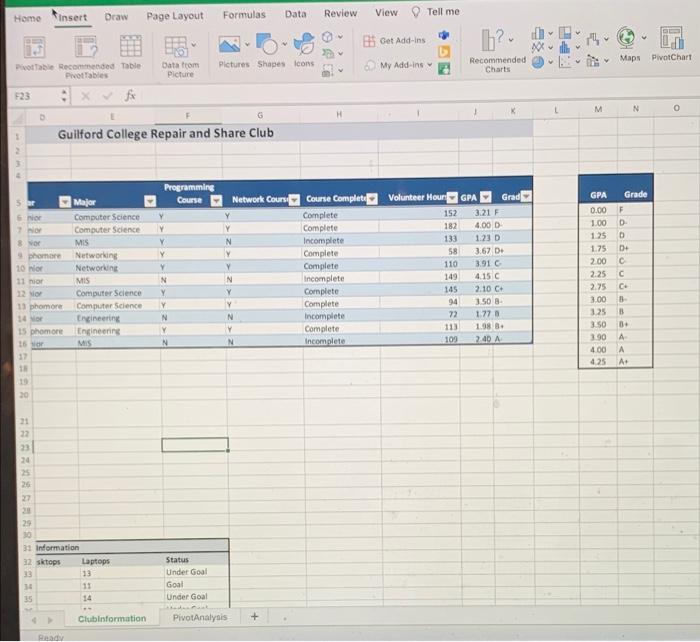
Using the data in the table, insert a PivotTable in cell A10 on the PivotAnalysis worksheet. Use the following criteria to create the PivotTable: Add the Major and GPA fields to the FILTERS area (in that order). Add the Grade, Year, and FirstName fields to the ROWS area (in that order). Add the Volunteer Hours and LastName fields to the VALUES area (in that order). Display subtotals at the bottom of each group. In cell A10, type Grades. In cell B10, type Total Hours. In cell C10, type Total Students. Resize the columns as needed. 10
Step by Step Solution
There are 3 Steps involved in it
1 Expert Approved Answer
Step: 1 Unlock

Question Has Been Solved by an Expert!
Get step-by-step solutions from verified subject matter experts
Step: 2 Unlock
Step: 3 Unlock
 Study Help