







Question: Using the data provided and an Alteryx workflow, perform an employee analysis of fiscal year 2019 BioPhirma P-card transactions that provides the following: Top
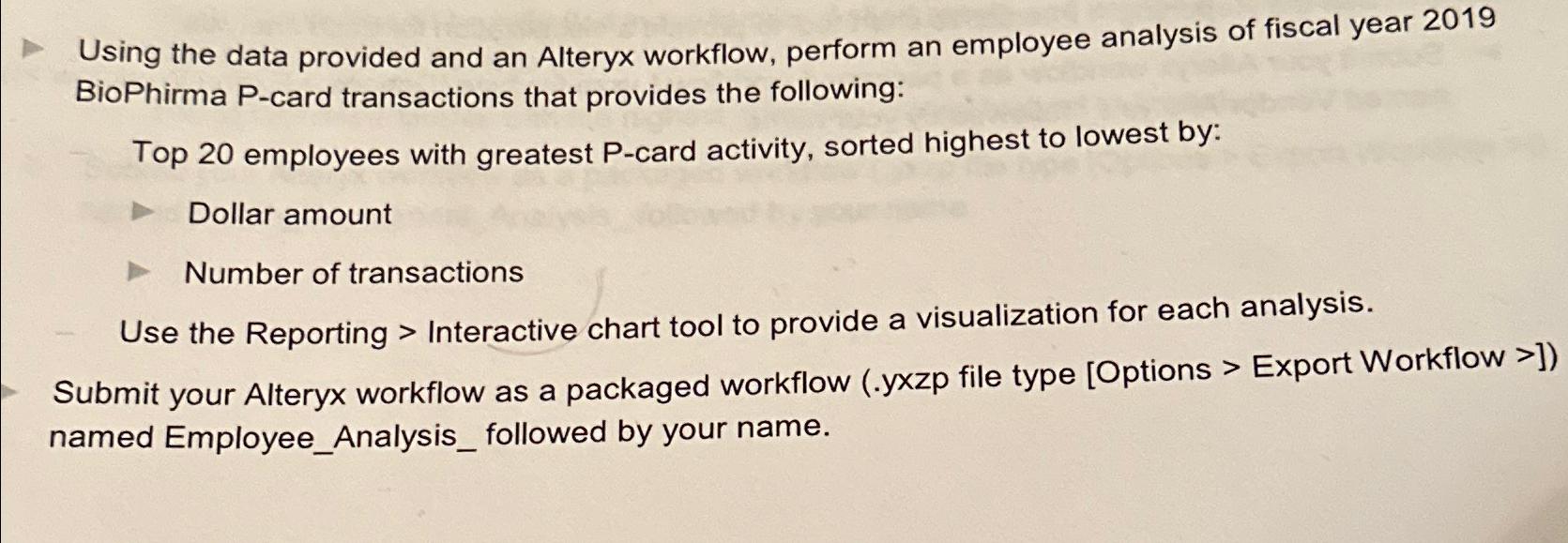
Using the data provided and an Alteryx workflow, perform an employee analysis of fiscal year 2019 BioPhirma P-card transactions that provides the following: Top 20 employees with greatest P-card activity, sorted highest to lowest by: Dollar amount Number of transactions Use the Reporting > Interactive chart tool to provide a visualization for each analysis. Submit your Alteryx workflow as a packaged workflow (.yxzp file type [Options > Export Workflow >]) named Employee_Analysis_ followed by your name.
Step by Step Solution
There are 3 Steps involved in it
Transform the records to create columns for worker names transaction quantities and transaction details Employee Analysis Use the Summarize device to ... View full answer

Get step-by-step solutions from verified subject matter experts
 Study Help