







Question: Using the ETF Data.xlsx workbook from the chapter: Use Get & Transform on the data to create a query that shows average Beta by ETF
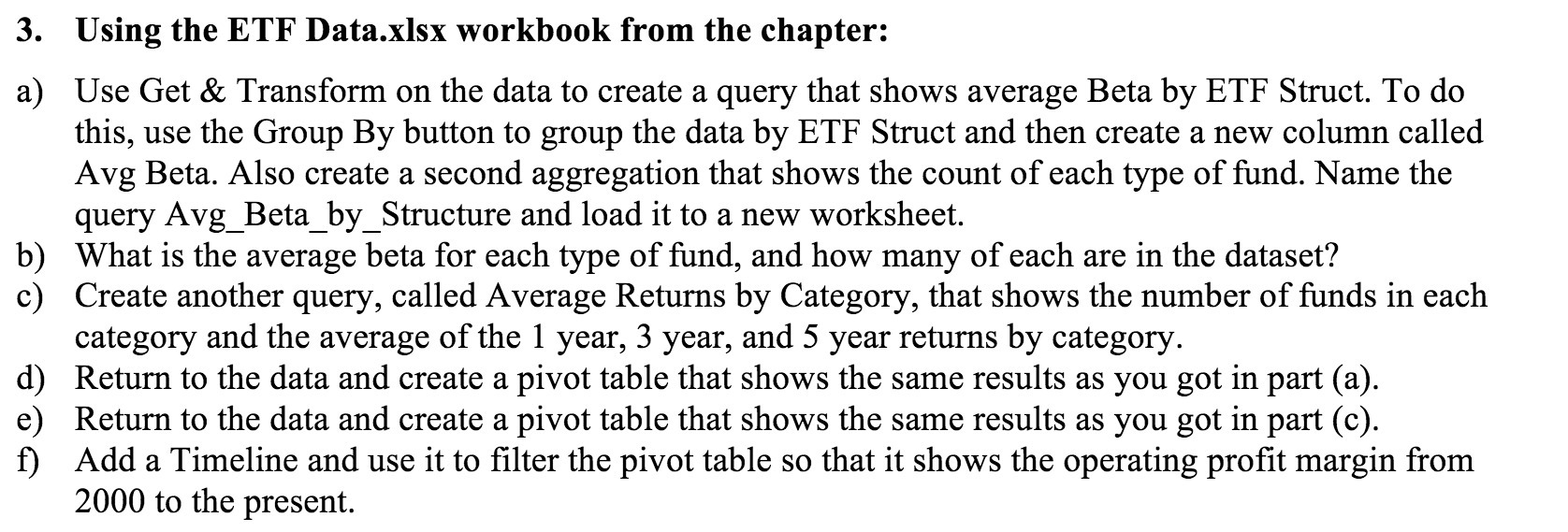
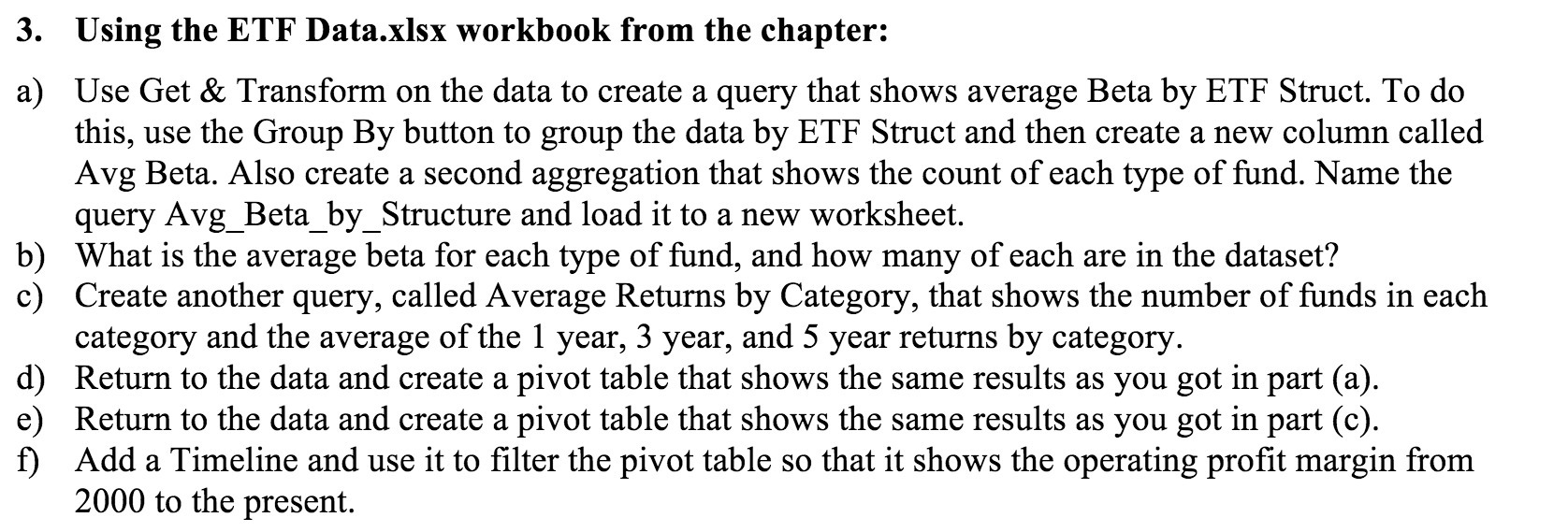
Using the ETF Data.xlsx workbook from the chapter: Use Get & Transform on the data to create a query that shows average Beta by ETF Struct. To do this, use the Group By button to group the data by ETF Struct and then create a new column called Avg Beta. Also create a second aggregation that shows the count of each type of fund. Name the query Avg_Beta_by_Structure and load it to a new worksheet. What is the average beta for each type of md, and how many of each are in the dataset? Create another query, called Average Returns by Category, that shows the number of funds in each category and the average of the 1 year, 3 year, and 5 year returns by category. Return to the data and create a pivot table that shows the same results as you got in part (a). Return to the data and create a pivot table that shows the same results as you got in part (c). Add a Timeline and use it to lter the pivot table so that it shows the operating prot margin from 2000 to the present
Step by Step Solution
There are 3 Steps involved in it

Get step-by-step solutions from verified subject matter experts
 Study Help