







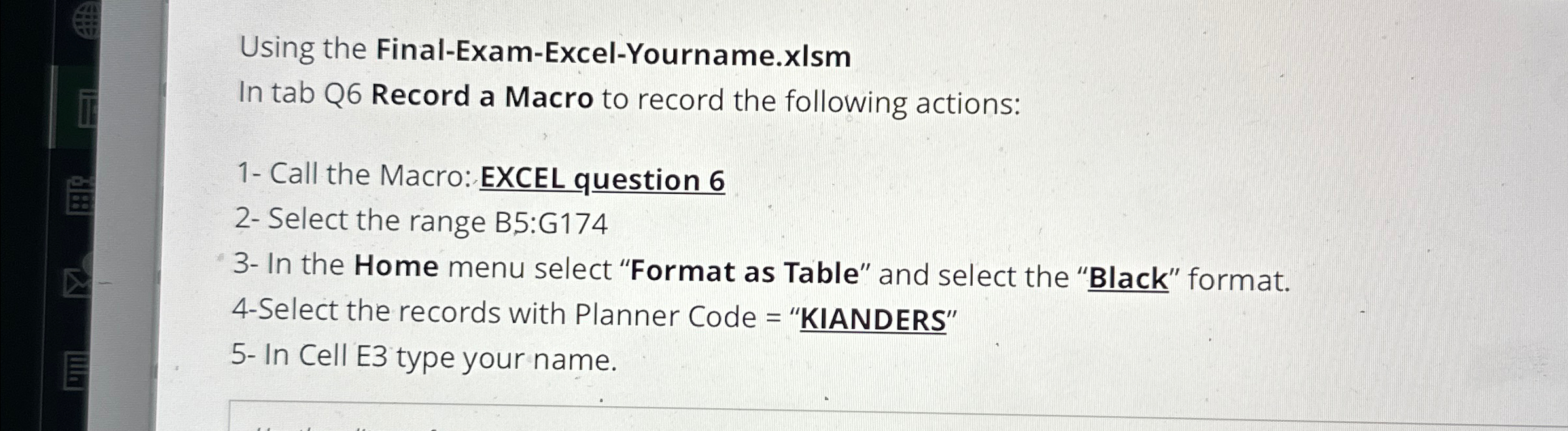
Question: Using the Final - Exam - Excel - Yourname.xIsm In tab Q 6 Record a Macro to record the following actions: 1 - Call the
Using the FinalExamExcelYourname.xIsm
In tab Q Record a Macro to record the following actions:
Call the Macro: EXCEL question
Select the range B:G
In the Home menu select "Format as Table" and select the "Black" format.
Select the records with Planner Code "KIANDERS"
In Cell E type your name.
Step by Step Solution
There are 3 Steps involved in it
1 Expert Approved Answer
Step: 1 Unlock

Question Has Been Solved by an Expert!
Get step-by-step solutions from verified subject matter experts
Step: 2 Unlock
Step: 3 Unlock
 Study Help