







Question: using this IPV 4 ?ADDRESS 2 0 9 . 1 6 5 . 2 0 0 . 1 2 8 / 2 6 Configure Device
using this IPV ?ADDRESS Configure Device IPv ?and Security Settings
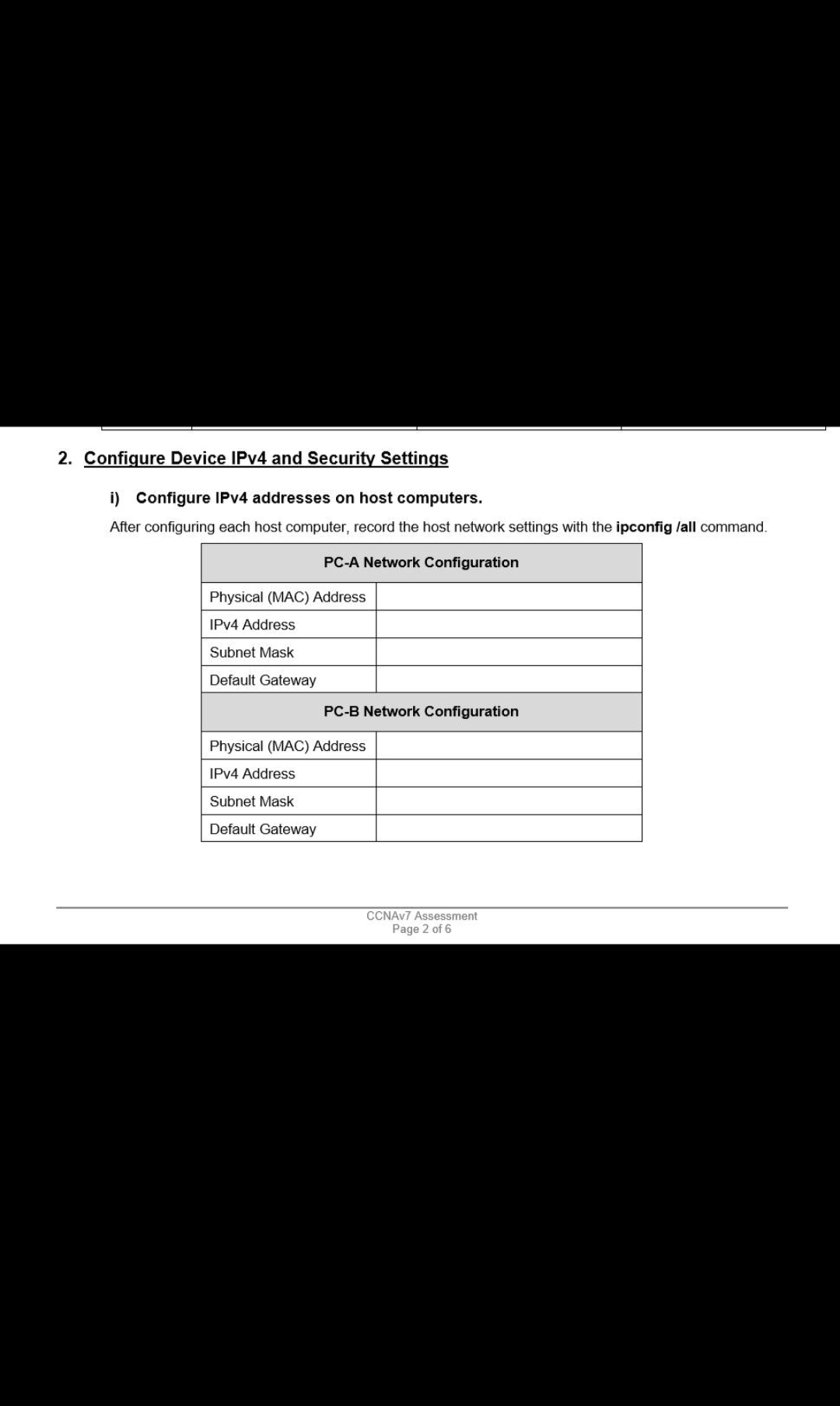
2. Configure Device IPv4 and Security Settings i) Configure IPV4 addresses on host computers. After configuring each host computer, record the host network settings with the ipconfig /all command. PC-A Network Configuration Physical (MAC) Address IPv4 Address Subnet Mask Default Gateway PC-B Network Configuration Physical (MAC) Address IPv4 Address Subnet Mask Default Gateway CCNAV7 Assessment Page 2 of 6
Step by Step Solution
There are 3 Steps involved in it
1 Expert Approved Answer
Step: 1 Unlock

Question Has Been Solved by an Expert!
Get step-by-step solutions from verified subject matter experts
Step: 2 Unlock
Step: 3 Unlock
 Study Help