







Question: Using Visual Studio, create and code a complete C# program for an Urgent Care Intake Facility that follows the specifications described here: Your program should
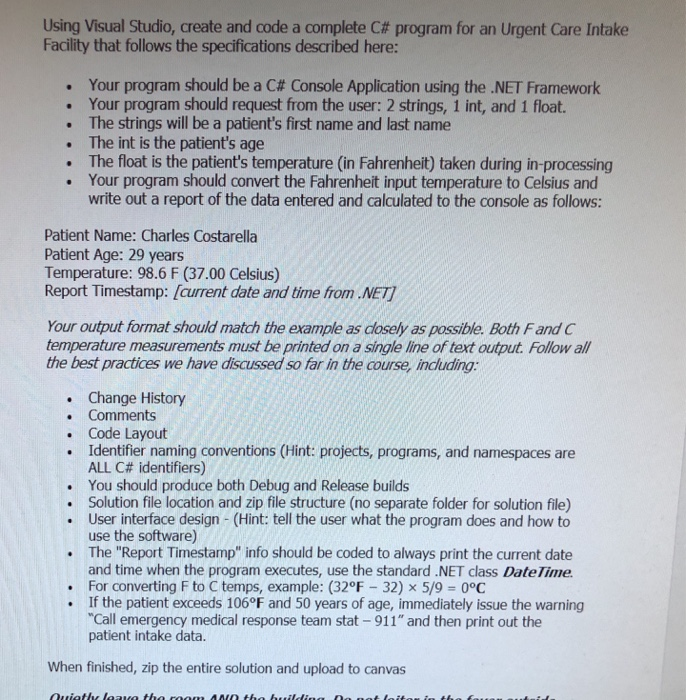
Using Visual Studio, create and code a complete C# program for an Urgent Care Intake Facility that follows the specifications described here: Your program should be a C# Console Application using the .NET Framework Your program should request from the user: 2 strings, 1 int, and 1 float. . The strings will be a patient's first name and last name . The int is the patient's age . The float is the patient's temperature (in Fahrenheit) taken during in-processing . Your program should convert the Fahrenheit input temperature to Celsius and write out a report of the data entered and calculated to the console as follows: Patient Name: Charles Costarella Patient Age: 29 years Temperature: 98.6 F (37.00 Celsius) Report Timestamp: [crrent date and time from. NET7 Your output format should match the example as dosely as possible. Both Fand C temperature measurements must be printed on a single line of text output. Follow all the best practices we have discussed so far in the course, indluding: . Change History . Comments . Code Layout Identifier naming conventions (Hint: projects, programs, and namespaces are ALL C# identifiers) You should produce both Debug and Release builds Solution file location and zip file structure (no separate folder for solution file) User interface design (Hint: tell the user what the program does and how to use the software) The "Report Timestamp" info should be coded to always print the current date and time when the program executes, use the standard .NET class DateTime For converting F to C temps, example: (32F 32) x 5/9-0C . . .If the patient exceeds 106F and 50 years of age, immediately issue the warning "Call emergency medical response team stat-911 and then print out the patient intake data. When finished, zip the entire solution and upload to canvas
Step by Step Solution
There are 3 Steps involved in it

Get step-by-step solutions from verified subject matter experts
 Study Help