







Question: Using Windows Software Lab Document Here: Now you will complete this same project, but now you will rebuild it using the Case - Switch condition
Using Windows Software
Lab Document Here:
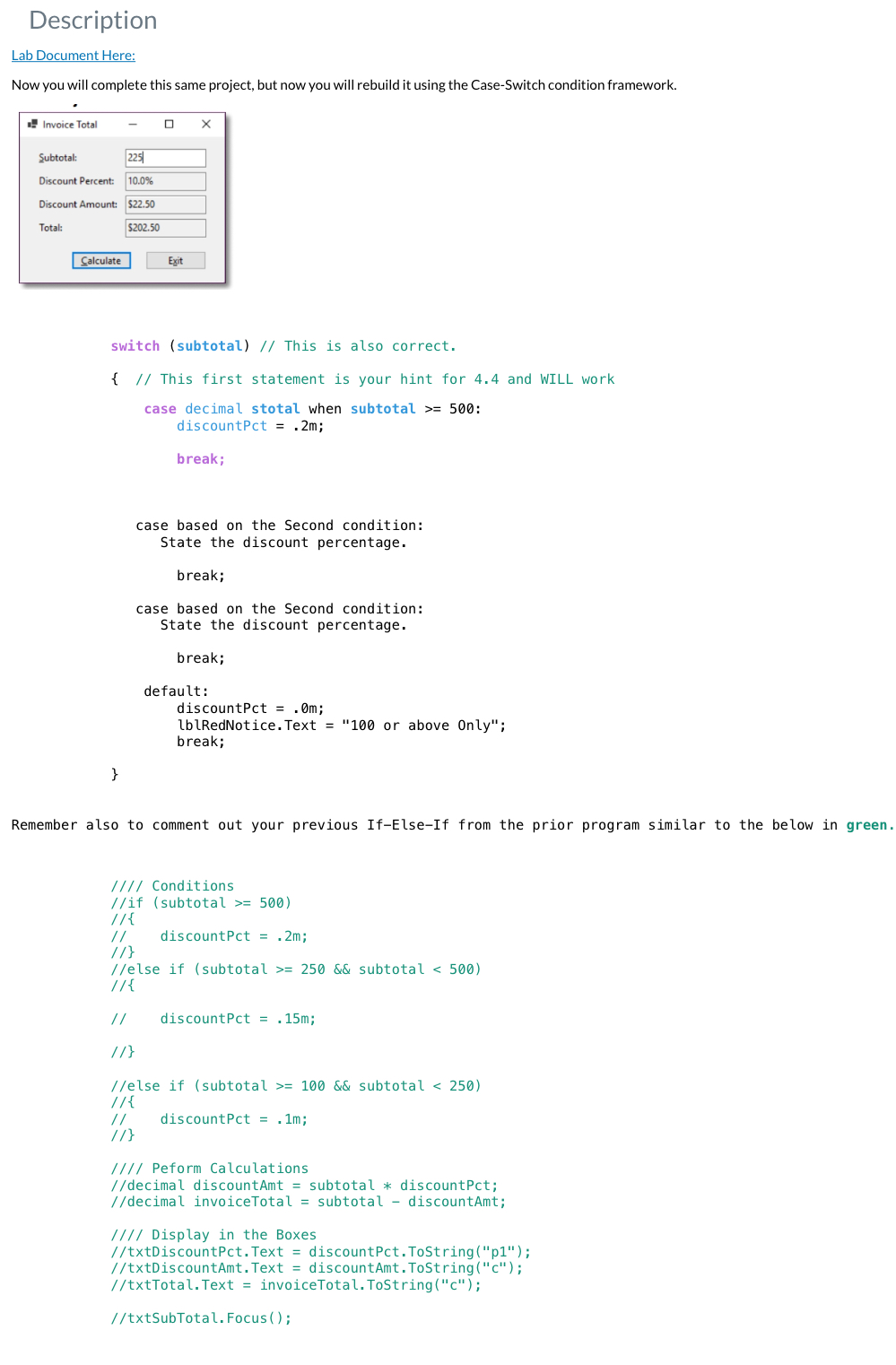
Now you will complete this same project, but now you will rebuild it using the CaseSwitch condition framework.
switch subtotal This is also correct.
This first statement is your hint for and WILL work
case decimal stotal when subtotal :
discountPct m;
break;
case based on the Second condition:
State the discount percentage.
break;
case based on the Second condition:
State the discount percentage.
break;
default:
discountPct m;
lblRedNotice.Text or above Only";
break;
Remember also to comment out your previous IfElseIf from the prior program similar to the below in green.
Conditions
if subtotal
discountPct m;
else if subtotal && subtotal
discountPct m;
else if subtotal && subtotal
discountPct m;
Peform Calculations
decimal discountAmt subtotal discountPct;
decimal invoiceTotal subtotal discountAmt;
Display in the Boxes
txtDiscountPctText discountPct.ToStringp;
txtDiscountAmtText discountAmt.ToStringc;
txtTotalText invoiceTotal.ToStringc;
txtSubTotalFocus;
Step by Step Solution
There are 3 Steps involved in it
1 Expert Approved Answer
Step: 1 Unlock

Question Has Been Solved by an Expert!
Get step-by-step solutions from verified subject matter experts
Step: 2 Unlock
Step: 3 Unlock
 Study Help