







Question: Variables And Values Purpose. Learn how to declare variables, assign values to variables, and output their values to the console screen with proper labeling. Using
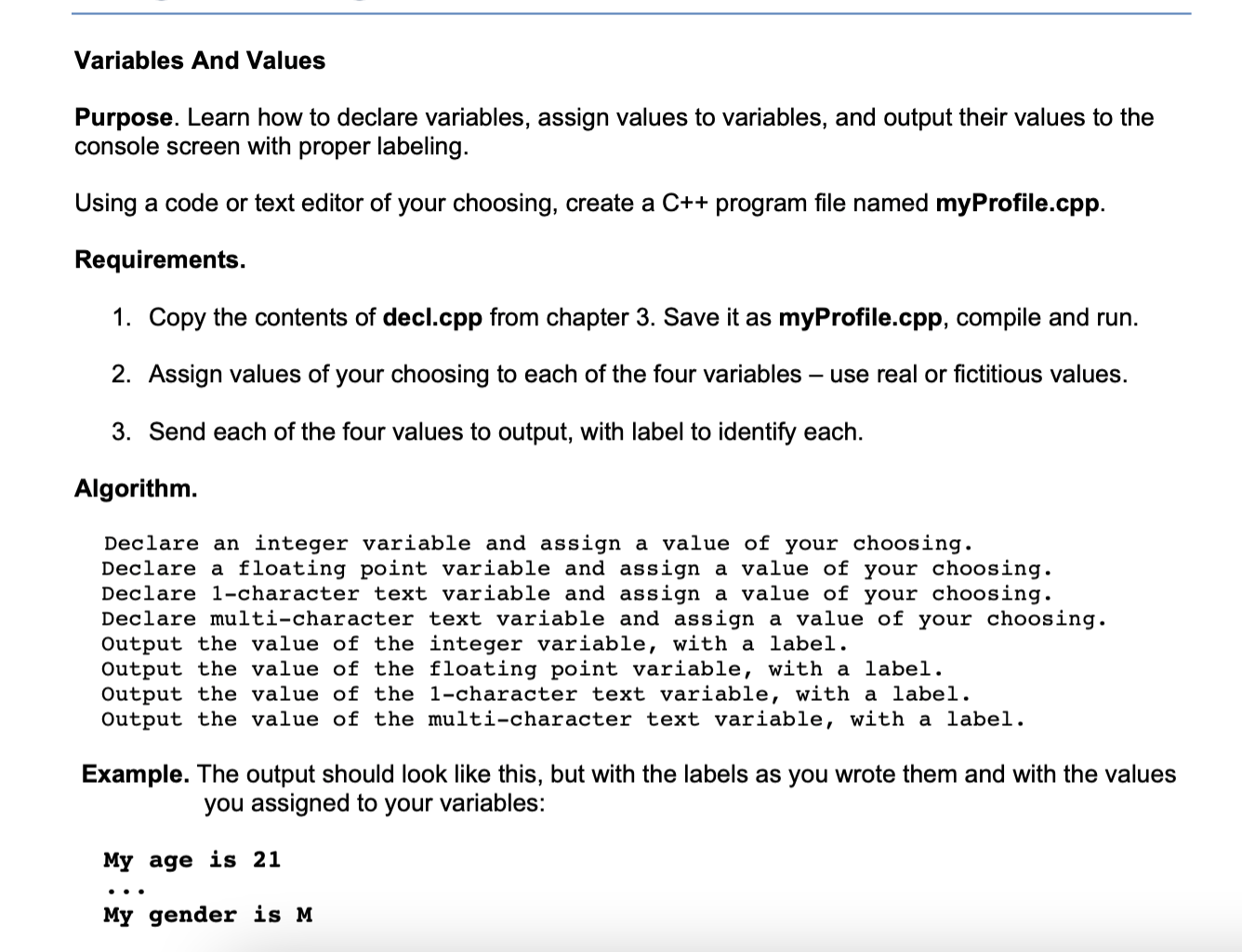
Variables And Values Purpose. Learn how to declare variables, assign values to variables, and output their values to the console screen with proper labeling. Using a code or text editor of your choosing, create a C++ program file named myProfile.cpp. Requirements. 1. Copy the contents of decl.cpp from chapter 3. Save it as myProfile.cpp, compile and run. 2. Assign values of your choosing to each of the four variables use real or fictitious values. 3. Send each of the four values to output, with label to identify each. Algorithm. Declare an integer variable and assign a value of your choosing. Declare a floating point variable and assign a value of your choosing. Declare l-character text variable and assign a value of your choosing. Declare multi-character text variable and assign a value of your choosing. Output the value of the integer variable, with a label. Output the value of the floating point variable, with a label. Output the value of the 1-character text variable, with a label. Output the value of the multi-character text variable, with a label. Example. The output should look like this, but with the labels as you wrote them and with the values you assigned to your variables: My age is 21 My gender is M
Step by Step Solution
There are 3 Steps involved in it

Get step-by-step solutions from verified subject matter experts
 Study Help