







Question: VBA help 1. Use the InputBox function to prompt the user to enter the date. Store the usersresponse in a String variable named strOrigDate. 2.
VBA help
1. Use the InputBox function to prompt the user to enter the date. Store the usersresponse in a String variable named strOrigDate.
2. Convert the string stored in the strOrigDate variable to a date. Assign the result to aDate variable named dtmOrigDate.
3. Subtract 7 days from the contents of the dtmOrigDate variable. Assign the result to aDate variable named dtmDiscDate.
4. Add 7 days to the contents of the dtmOrigDate variable. Assign the result to a Datevariable named dtmPenDate.
5. Assign the contents of the dtmOrigDate variable, formatted to Short Date, to theactive cell in column A in the worksheet.
6. Assign the contents of the dtmDiscDate variable, formatted to Short Date, to the cell located two columns to the right of the active cell.
7. Assign the contents of the dtmPenDate variable, formatted to Short Date, to the cell located four columns to the right of the active cell.
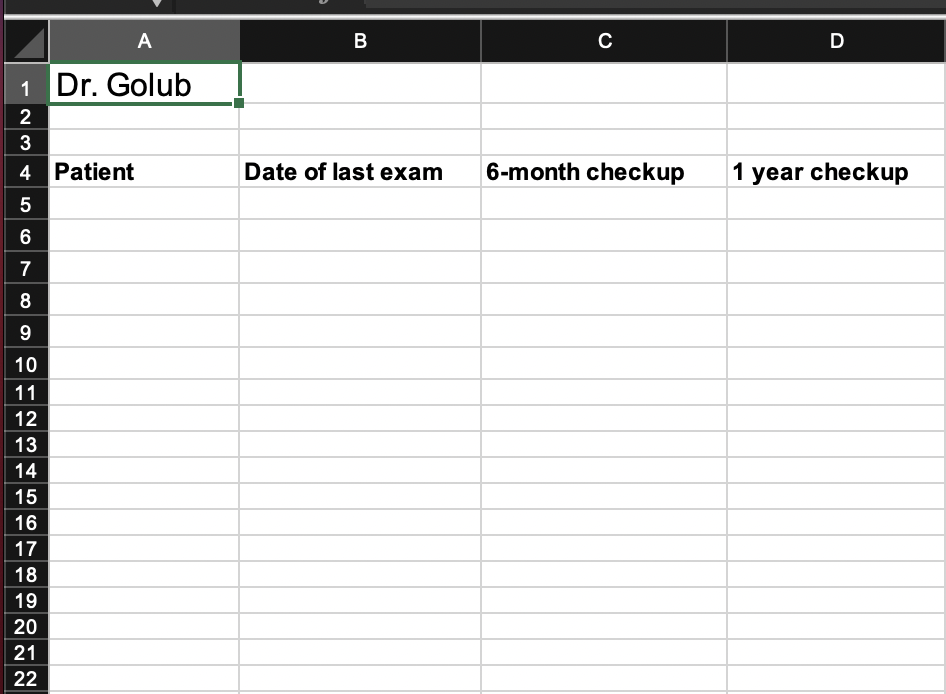
A B D 1 Dr. Golub AWN 4. Patient Date of last exam 6-month checkup 1 year checkup 5 6 7 8 9 10 11 12 13 14 15 16 17 18 19 20 21 22
Step by Step Solution
There are 3 Steps involved in it

Get step-by-step solutions from verified subject matter experts
 Study Help