







Question: Vee 9. A Windows form application has a Dataset with one DataTable- tbll.abAnalysis. thilabAnlysis s Discussion field. Describe how to add a richtextbox to the
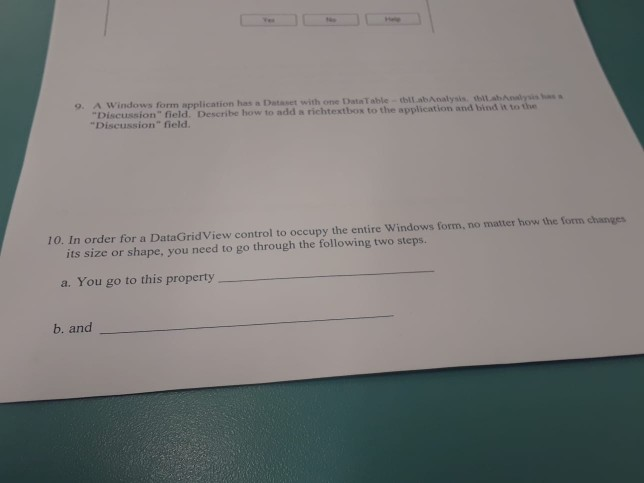
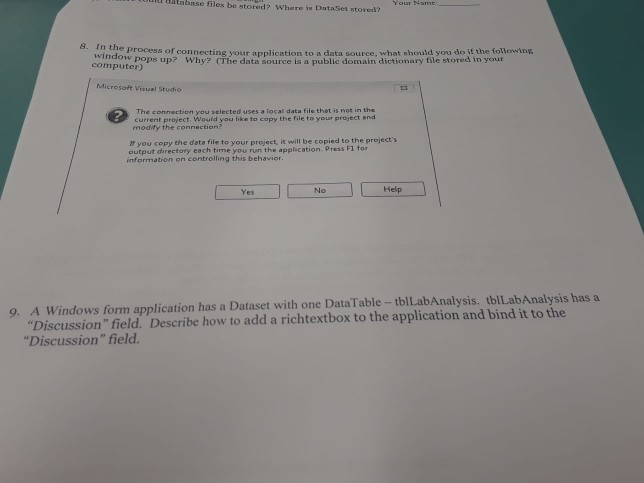
Vee 9. A Windows form application has a Dataset with one DataTable- tbll.abAnalysis. thilabAnlysis s "Discussion" field. Describe how to add a richtextbox to the application and bind it to the "Discussion" field. 10. In order for a DataGridView control to occupy the entire Windows form, no matter how the form changes its size or shape, you need to go through the following two steps. a. You go to this property b. and database files be stored? Where is DataSet stored? Your Nave Process of connecting your application to a data source, what should you do if the followng ndow pops up? Why? (The data source is a public domain dictionary file stored in your computer) Microsoft Visual Studio The connection you selected uses a local data file that is not in the current project. Would you like to copy the file to your project and modify the connection? f you copy the data file to your project, it will be copied to the project's output direetory each time you run the application. Press F1 for information on controlling this behavior. Help No Yes 9. A Windows form application has a Dataset with one DataTable - tblLabAnalysis. tblLabAnalysis has a "Discussion" field. Describe how to add a richtextbox to the application and bind it to the "Discussion" field
Step by Step Solution
There are 3 Steps involved in it

Get step-by-step solutions from verified subject matter experts
 Study Help