







Question: vg=9 This project is design a constant current charging circuit for an AA battery. The converter used is to be supplied with a dc source
 vg=9
vg=9
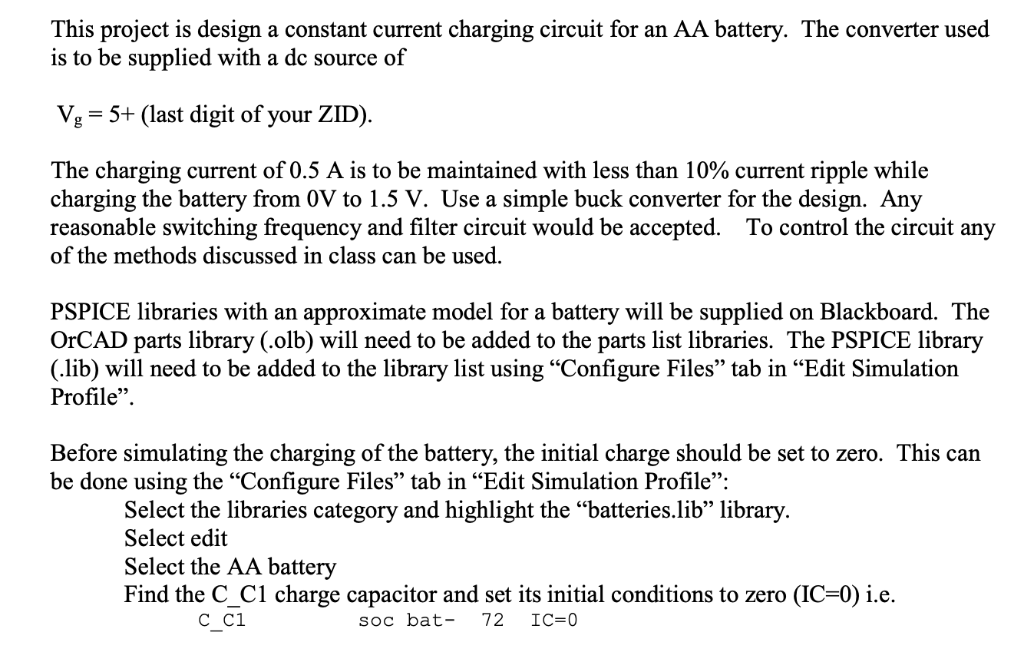
This project is design a constant current charging circuit for an AA battery. The converter used is to be supplied with a dc source of Vg-5+ (last digit of your ZID) The charging current of 0.5 A is to be maintained with less than 10% current ripple while charging the battery from 0V to 1.5 V. Use a simple buck converter for the design. Any reasonable switching frequency and filter circuit would be accepted. To control the circuit any of the methods discussed in class can be used. PSPICE libraries with an approximate model for a battery will be supplied on Blackboard. The OrCAD parts library (.olb) will need to be added to the parts list libraries. The PSPICE library (.lib) will need to be added to the library list using "Configure Files" tab in "Edit Simulation Profile". Before simulating the charging of the battery, the initial charge should be set to zero. This can be done using the "Configure Files" tab in "Edit Simulation Profile": Select the libraries category and highlight the "batteries.lib" library Select edit Select the AA battery Find the C_C1 charge capacitor and set its initial conditions to zero (IC-0) i.e. soc bat- 72 IC-0 This project is design a constant current charging circuit for an AA battery. The converter used is to be supplied with a dc source of Vg-5+ (last digit of your ZID) The charging current of 0.5 A is to be maintained with less than 10% current ripple while charging the battery from 0V to 1.5 V. Use a simple buck converter for the design. Any reasonable switching frequency and filter circuit would be accepted. To control the circuit any of the methods discussed in class can be used. PSPICE libraries with an approximate model for a battery will be supplied on Blackboard. The OrCAD parts library (.olb) will need to be added to the parts list libraries. The PSPICE library (.lib) will need to be added to the library list using "Configure Files" tab in "Edit Simulation Profile". Before simulating the charging of the battery, the initial charge should be set to zero. This can be done using the "Configure Files" tab in "Edit Simulation Profile": Select the libraries category and highlight the "batteries.lib" library Select edit Select the AA battery Find the C_C1 charge capacitor and set its initial conditions to zero (IC-0) i.e. soc bat- 72 IC-0
Step by Step Solution
There are 3 Steps involved in it

Get step-by-step solutions from verified subject matter experts
 Study Help