





Question: VISION DESCRIPTION We want to develop a file browser client for organizing files and folders. The user can add files and folders, and arrange files
VISION DESCRIPTION We want to develop a file

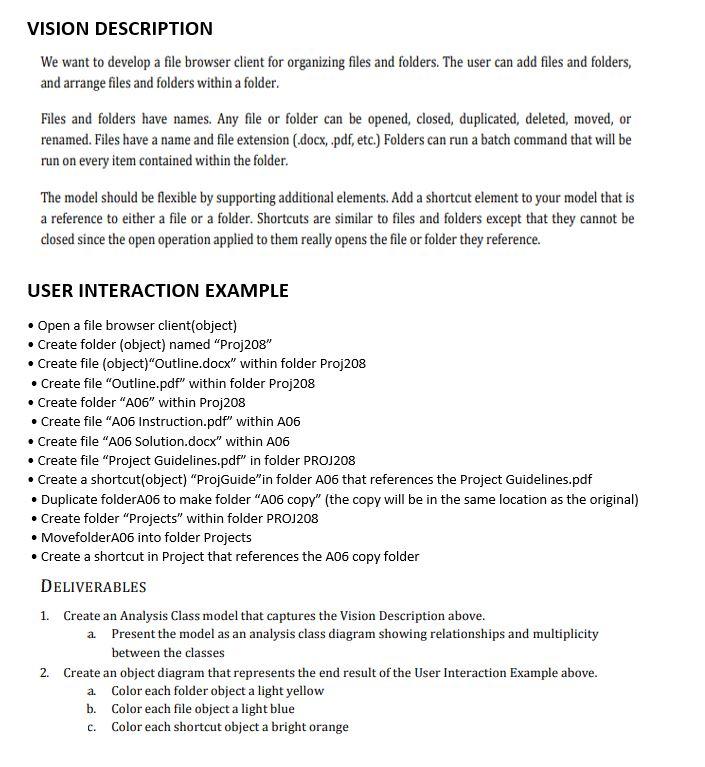
VISION DESCRIPTION We want to develop a file browser client for organizing files and folders. The user can add files and folders, and arrange files and folders within a folder. Files and folders have names. Any file or folder can be opened, closed, duplicated, deleted, moved, or renamed. Files have a name and file extension (.docx, .pdf, etc.) Folders can run a batch command that will be run on every item contained within the folder. The model should be flexible by supporting additional elements. Add a shortcut element to your model that is a reference to either a file or a folder. Shortcuts are similar to files and folders except that they cannot be closed since the open operation applied to them really opens the file or folder they reference. USER INTERACTION EXAMPLE Open a file browser client(object) Create folder (object) named "Proj208" Create file (object)"Outline.docx" within folder Proj208 Create file "Outline.pdf" within folder Proj208 Create folder "A06" within Proj208 Create file "A06 Instruction.pdf" within 106 Create file "A06 Solution.docx" within 106 Create file "Project Guidelines.pdf" in folder PROJ208 Create a shortcut(object) "ProjGuide" in folder A06 that references the Project Guidelines.pdf Duplicate folderA06 to make folder "A06 copy" (the copy will be in the same location as the original) Create folder "Projects within folder PROJ208 MovefolderA06 into folder Projects Create a shortcut in Project that references the A06 copy folder DELIVERABLES 1. Create an Analysis Class model that captures the Vision Description above. a Present the model as an analysis class diagram showing relationships and multiplicity between the classes 2. Create an object diagram that represents the end result of the User Interaction Example above. a Color each folder object a light yellow b. Color each file object a light blue C. Color each shortcut object a bright orange

Step by Step Solution

There are 3 Steps involved in it

1 Expert Approved Answer
Step: 1 Unlock blur-text-image

Question Has Been Solved by an Expert!

Get step-by-step solutions from verified subject matter experts

Step: 2 Unlock
Step: 3 Unlock

Students Have Also Explored These Related General Management Questions!