







Question: We need to create a batch script using the registry to start the calculator and setup but also delete it. I know the location of
We need to create a batch script using the registry to start the calculator and setup but also delete it. I know the location of the registry but I'm not sure how the script would look. Any help is appreciated.
The format is like this:
add.reg **********
Windows Registry Editor Version 5.00
[HKEY_LOCAL_MACHINE\SOFTWARE\Microsoft\Windows\CurrentVersion\Run] "Calc"="C:\\Windows\\System32\\calc.exe"
del.reg *********
Windows Registry Editor Version 5.00
[HKEY_LOCAL_MACHINE\SOFTWARE\Microsoft\Windows\CurrentVersion\Run] "Calc"=""
test.bat ***********
@echo off REG IMPORT add.reg REG IMPORT del.reg
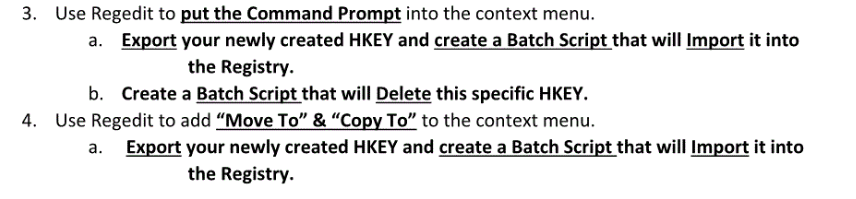
3. Use Regedit to put the Command Prompt into the context menu. a. Export your newly created HKEY and create a Batch Script that will Import it into the Registry. b. Create a Batch Script that will Delete this specific HKEY. 4. Use Regedit to add "Move To" & "Copy To to the context menu. a. Export your newly created HKEY and create a Batch Script that will Import it into the Registry
Step by Step Solution
There are 3 Steps involved in it

Get step-by-step solutions from verified subject matter experts
 Study Help