







Question: Web Development Chapter 12 Project 3 help with steps 2-5? All files for this project can be accessed at: https://github.com/funwebdev-3rd-ed/projects-start/tree/master/chapter12/project3 1. Examine ch12-proj3-form.php and view
Web Development Chapter 12 Project 3 help with steps 2-5?
All files for this project can be accessed at: https://github.com/funwebdev-3rd-ed/projects-start/tree/master/chapter12/project3
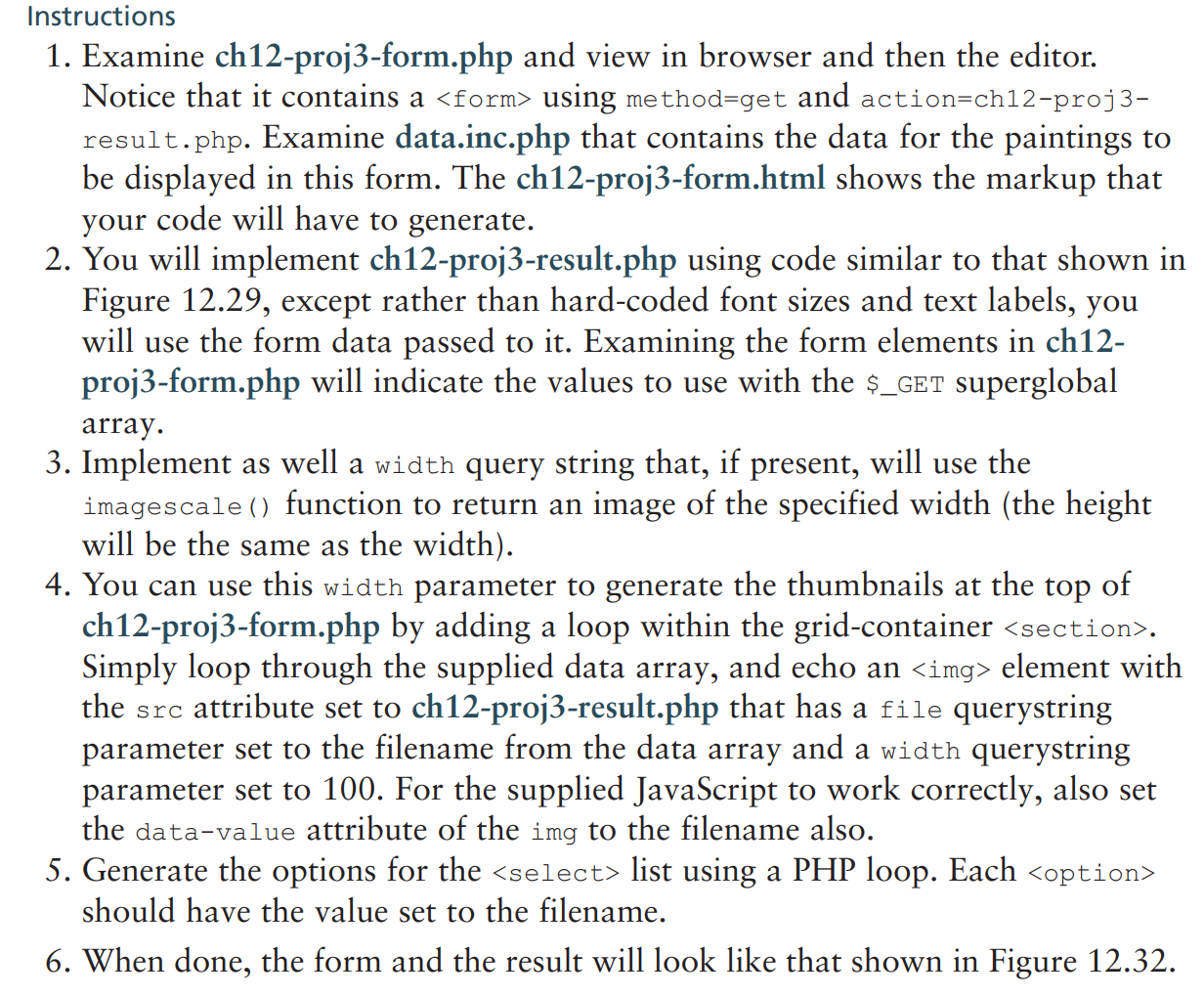
1. Examine ch12-proj3-form.php and view in browser and then the editor. Notice that it contains a > using method=get and action=ch12-proj3result.php. Examine data.inc.php that contains the data for the paintings to be displayed in this form. The ch12-proj3-form.html shows the markup that your code will have to generate. 2. You will implement ch12-proj3-result.php using code similar to that shown in Figure 12.29, except rather than hard-coded font sizes and text labels, you will use the form data passed to it. Examining the form elements in ch12proj3-form.php will indicate the values to use with the \$_GET superglobal array. 3. Implement as well a width query string that, if present, will use the imagescale () function to return an image of the specified width (the height will be the same as the width). 4. You can use this width parameter to generate the thumbnails at the top of ch12-proj3-form.php by adding a loop within the grid-container . Simply loop through the supplied data array, and echo an element with the src attribute set to ch12-proj3-result.php that has a file querystring parameter set to the filename from the data array and a width querystring parameter set to 100 . For the supplied JavaScript to work correctly, also set the data-value attribute of the img to the filename also. 5. Generate the options for the list using a PHP loop. Each should have the value set to the filename
Step by Step Solution
There are 3 Steps involved in it

Get step-by-step solutions from verified subject matter experts
 Study Help