



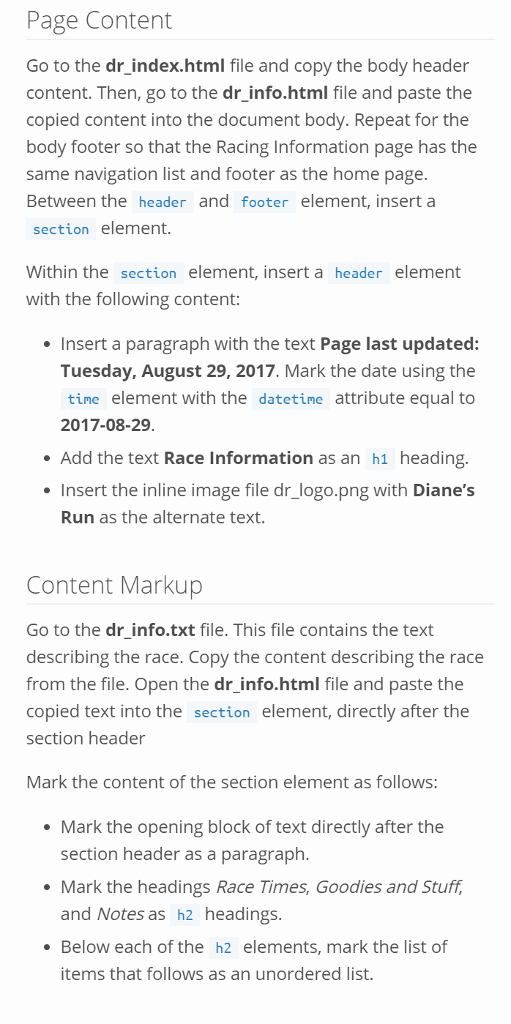
Question: What am I doing wrong? Thank you Page Content Go to the dr index.html file and copy the body header content. Then, go to the
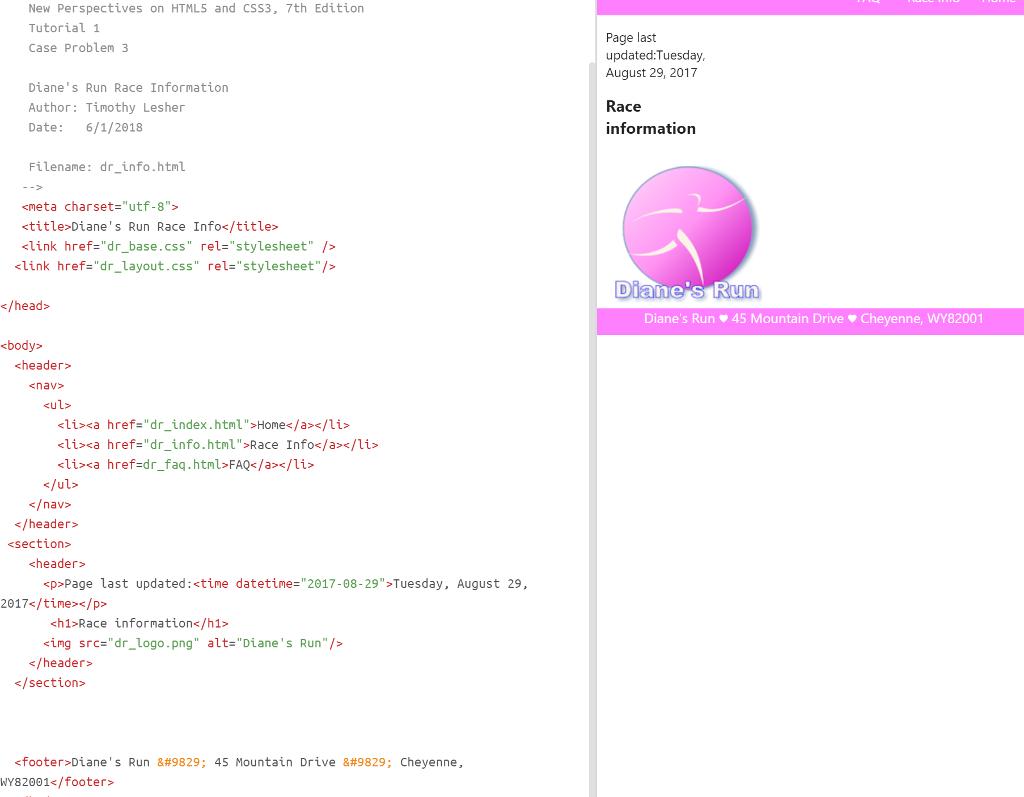
What am I doing wrong?
Thank you
Page Content Go to the dr index.html file and copy the body header content. Then, go to the dr_info.html file and paste the copied content into the document body. Repeat for the body footer so that the Racing Information page has the same navigation list and footer as the home page. Between the header and footer element, insert a section element. Within the section element, insert a header element with the following content: Insert a paragraph with the text Page last updated: Tuesday, August 29, 2017. Mark the date using the time element with the datetine attribute equal to 2017-08-29 Add the text Race Information as an h1 heading. Insert the inline image file dr_logo.png with Diane's Run as the alternate text. Content Markup Go to the dr info.txt file. This file contains the text describing the race. Copy the content describing the race from the file. Open the dr_info.html file and paste the copied text into the section element, directly after the section header Mark the content of the section element as follows: Mark the opening block of text directly after the section header as a paragraph Mark the headings Race Times, Goodies and Stuff, and Notes as h2 headings Below each of the h2 elements, mark the list of items that follows as an unordered list
Step by Step Solution
There are 3 Steps involved in it

Get step-by-step solutions from verified subject matter experts