







Question: What happened when you tried using these tools with various domain names and IP addresses as suggested below? DIG: This tool gives you information about
What happened when you tried using these tools with various domain names and IP addresses as suggested below?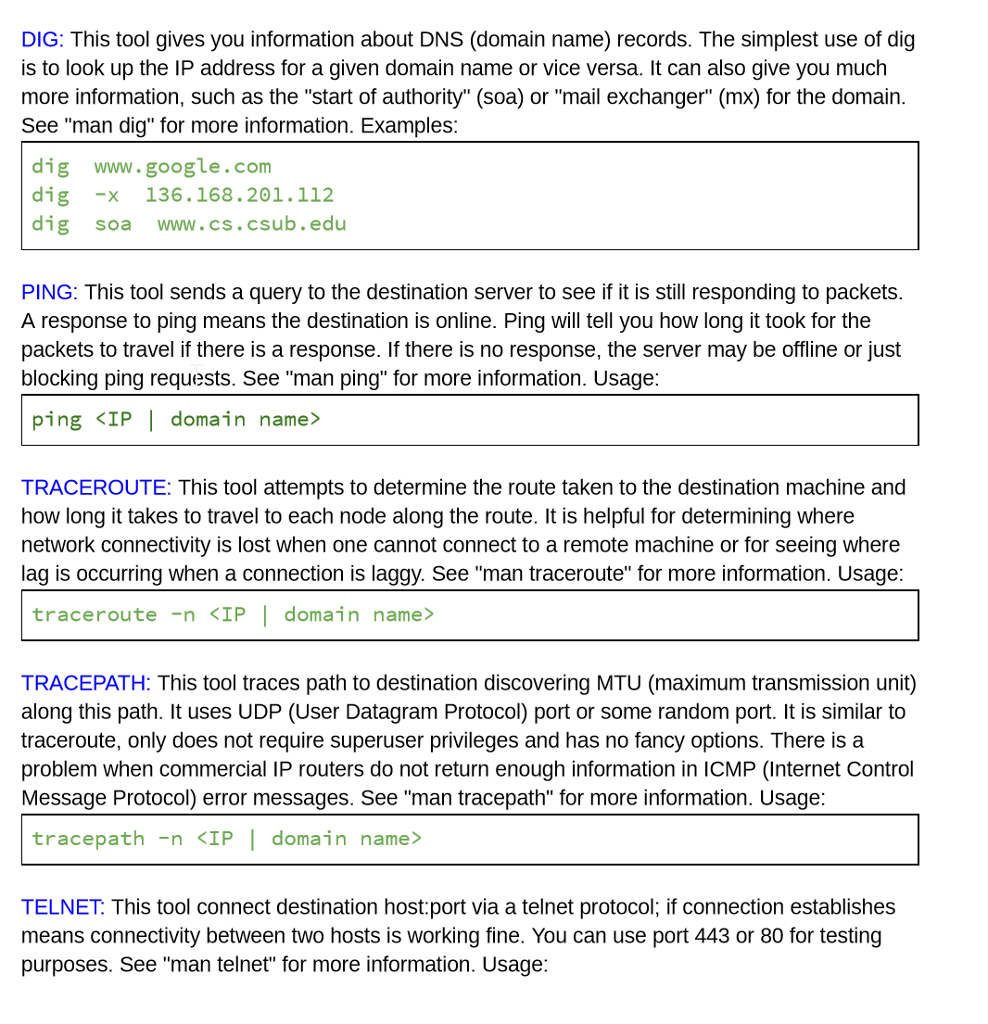
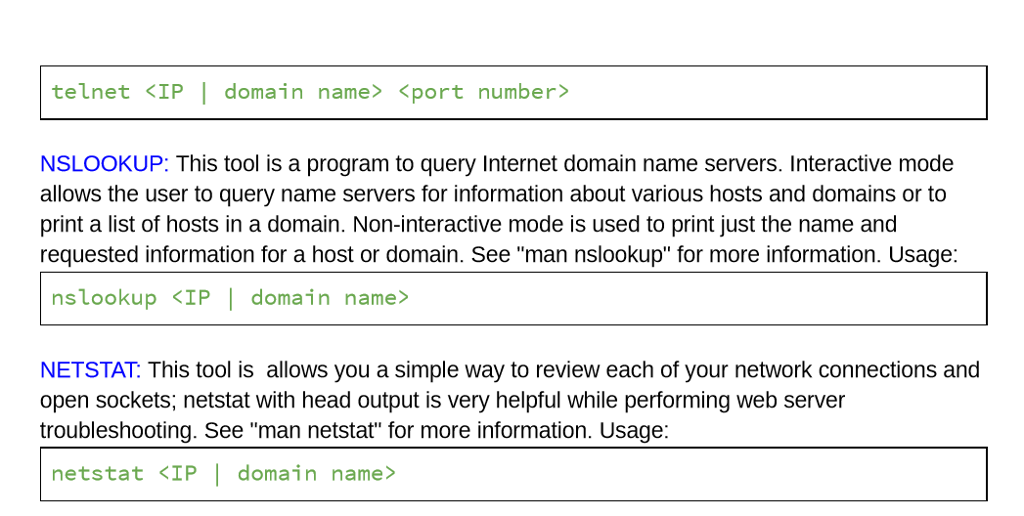
DIG: This tool gives you information about DNS (domain name) records. The simplest use of dig is to look up the IP address for a given domain name or vice versa. It can also give you much more information, such as the "start of authority" (soa) or "mail exchanger" (mx) for the domain See "man dig" for more information. Examples: dig www.google.com dig -x 136.168.201.112 dig soa www.cs.csub.edu PING: This tool sends a query to the destination server to see if it is still responding to packets. A response to ping means the destination is online. Ping will tell you how long it took for the packets to travel if there is a response. If there is no response, the server may be offline or just blocking ping requests. See "man ping" for more information. Usage ping
Step by Step Solution
There are 3 Steps involved in it

Get step-by-step solutions from verified subject matter experts
 Study Help