







Question: What is the method for removing a single item in History? Select one: a. Open the History list, point to the item, and click the
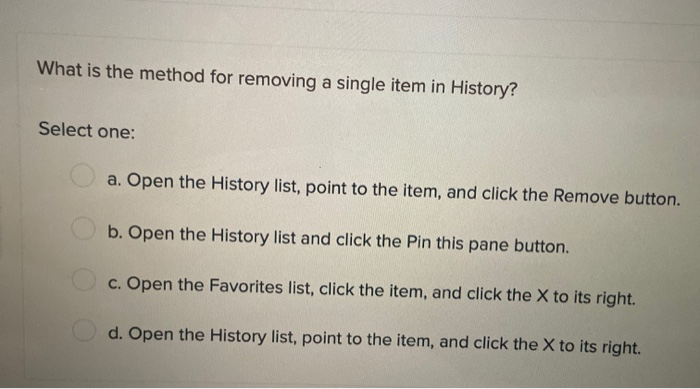
What is the method for removing a single item in History? Select one: a. Open the History list, point to the item, and click the Remove button. b. Open the History list and click the Pin this pane button. c. Open the Favorites list, click the item, and click the X to its right. d. Open the History list, point to the item, and click the X to its right. What is the method for removing a single item in History? Select one: a. Open the History list, point to the item, and click the Remove button. b. Open the History list and click the Pin this pane button. c. Open the Favorites list, click the item, and click the X to its right. d. Open the History list, point to the item, and click the X to its right
Step by Step Solution
There are 3 Steps involved in it

Get step-by-step solutions from verified subject matter experts
 Study Help