







Question: What would a python code look like that would find a hidden message in a pixle ated picture and save it to a new file
What would a python code look like that would find a hidden message in a pixle ated picture and save it to a new file look like? Below is the guidelines for this question and the links to download the images will be below
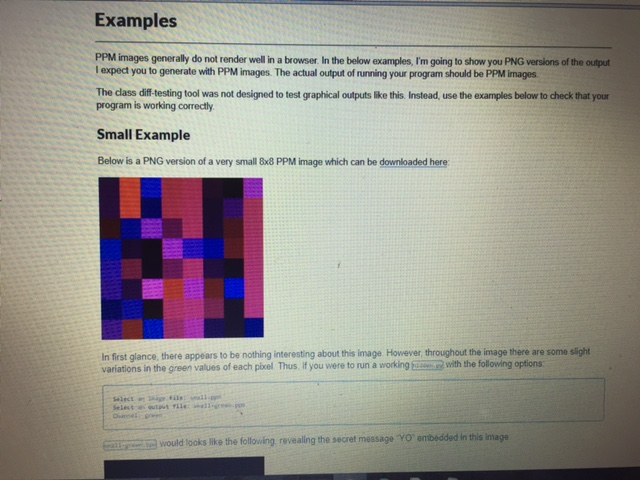
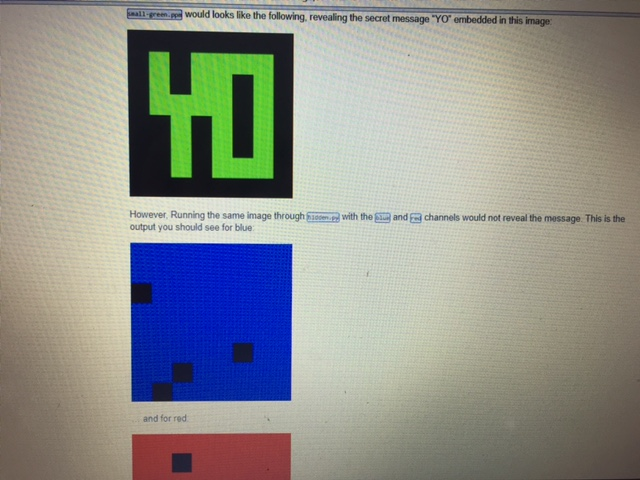
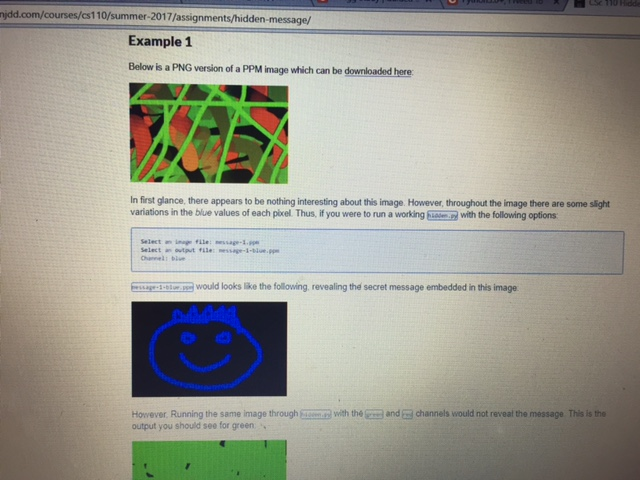
link1 http://benjdd.com/courses/cs110/summer-2017/assignments/hidden-message/res/small.ppm
link2 http://benjdd.com/courses/cs110/summer-2017/assignments/hidden-message/res/message-1.ppm
link3 http://benjdd.com/courses/cs110/summer-2017/assignments/hidden-message/res/message-2.ppm
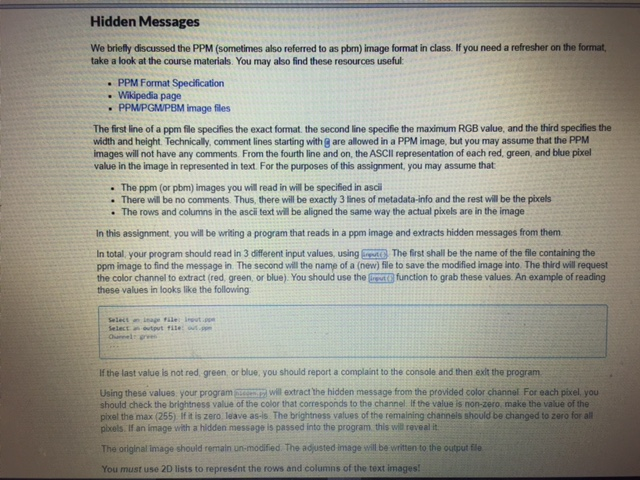
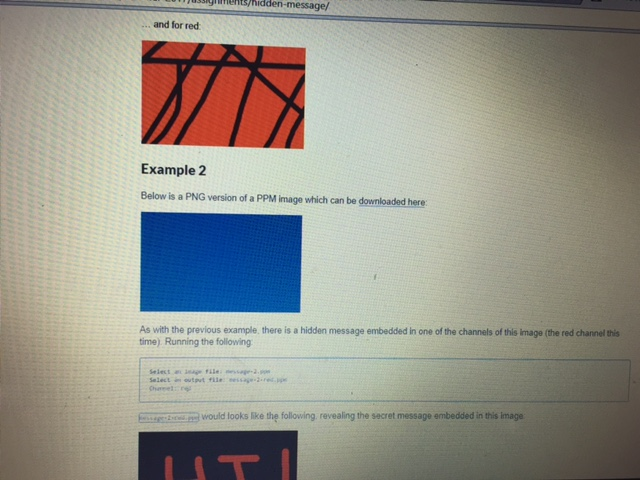
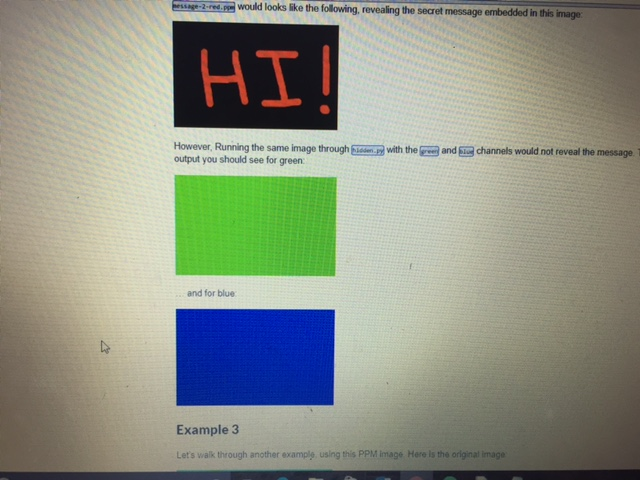
Hidden Messages We briefly discussed the PPM (sometimes also referred to as pbm) image format in class. If you need a refresher on the format take a look at the course materials. You may also find these resources useful PPM Format Specification Wikipedia page PPMPGWPBM image files The first line of a ppm file specifies the exact format the second line specifie the maximum RGB value, and the third specifies the width and height. Technically, comment lines starting with g are allowed in a PPM image, but you may assume that the PPM images will not have any comments. From the fourth line and on, the ASClI representation of each red. green, and blue pixel value in the image in represented in text. For the purposes of this assignment, you may assume that The ppm (or pbm) images you will read in will be specified in asdi . There will be no comments. Thus, there will be exactly 3 lines of metadata-info and the rest will be the pixcels . The rows and columns in the asci text will be aligned the same way the actual pixels are in the image In this assignment, you will be writing a program that reads in a ppm image and extracts hidden messages from them In total your program should read in 3 different input values,using Ere The first shall be the name of the file containing the ppm image to find the mesage in. The second will the name of a (new) file to save the modified image into. The third will request the color channel to extract (red green, or blue). You should use the grestt function to grab these values. An example of reading these values in looks like the following If the last value is not red green or blue, you should report a complaint to the console and then exit the program Using these values your programs will extract the hidden message from the provided color channel For each pixel, you should check the brightness value of the color that corresponds to the channel. If the value is non-zero, make the value of the pixel the max (255) If t is zero leave as-is. The brightness values of the remaining channels should be changed to zero for all piels If an limage with a hidden message is passed into the program this will reveal it The original lmage should remain un-modified The adjusted image will be written to the output Ee You must use 2D lists to represnt the rows and columns of the text images
Step by Step Solution
There are 3 Steps involved in it

Get step-by-step solutions from verified subject matter experts
 Study Help