







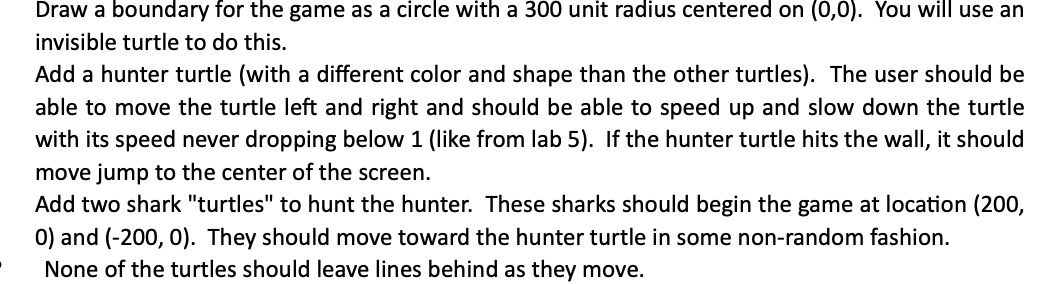
Question: whats wrong with my code? Draw a boundary for the game as a circle with a 3 0 0 unit radius centered on ( 0
whats wrong with my code? Draw a boundary for the game as a circle with a unit radius centered on You will use an
invisible turtle to do this.
Add a hunter turtle with a different color and shape than the other turtles The user should be
able to move the turtle left and right and should be able to speed up and slow down the turtle
with its speed never dropping below like from lab If the hunter turtle hits the wall, it should
move jump to the center of the screen.
Add two shark "turtles" to hunt the hunter. These sharks should begin the game at location
and They should move toward the hunter turtle in some nonrandom fashion.
None of the turtles should leave lines behind as they move.
import turtle
import random
win turtle.Screen
boundary turtle.Turtle
boundary.hideturtle
boundary.penup
boundary.goto
boundary.pendown
boundary.circle
hunt turtle.Turtle
hunt.colorpink
hunt.shapesquare
hunt.width
sharkTurtles
shark turtle.Turtle
sharkcolorblue
sharkwidth
sharkshapearrow
shark turtle.Turtle
sharkcolorblue
sharkwidth
sharkshapearrow
speed
sharkSpeed
running True
def goleft:
hunt.left
def goright:
hunt.right
def gohome:
hunt.setposition
def stop:
global running
running False
def speedup:
global speed
speed speed
def speeddown:
global speed
if speed :
speed speed
win.listen
win.onkeygoleft, "Left"
win.onkeygoright, "Right"
win.onkeygohome, "space"
win.onkeystopq
win.onkeyspeedupUp
win.onkeyspeeddown, "Down"
sharkpenup
sharksetposition
sharkpenup
sharksetposition
sharks shark shark
while running:
hunt.forwardspeed
angleToHunt sharks.towardsinthuntxcor inthuntycor
sharks.setheadingangleToHunt
sharks.forwardsharkSpeed
Step by Step Solution
There are 3 Steps involved in it
1 Expert Approved Answer
Step: 1 Unlock

Question Has Been Solved by an Expert!
Get step-by-step solutions from verified subject matter experts
Step: 2 Unlock
Step: 3 Unlock
 Study Help