







Question: When a macro switches between worksheets, the quick jump from one sheet to another can be distracting. To correct this problem, edit the Add _
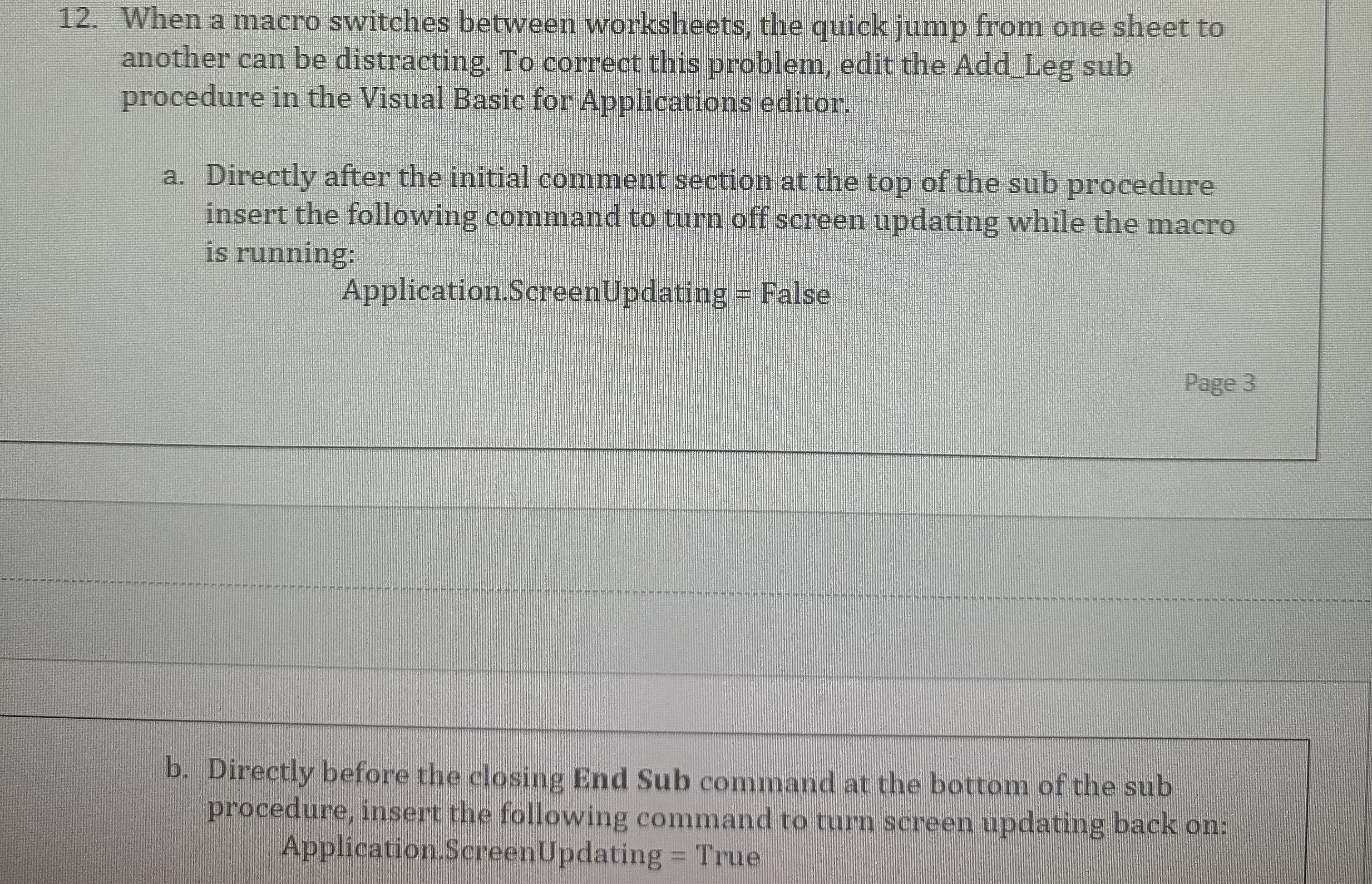
When a macro switches between worksheets, the quick jump from one sheet to another can be distracting. To correct this problem, edit the AddLeg sub procedure in the Visual Basic for Applications editor.
a Directly after the initial comment section at the top of the sub procedure insert the following command to turn off screen updating while the macro is running:
Application.ScreenUpdating False
Page
b Directly before the closing End Sub command at the bottom of the sub procedure, insert the following command to turn screen updating back on: Application.ScreenUpdating True
Step by Step Solution
There are 3 Steps involved in it
1 Expert Approved Answer
Step: 1 Unlock

Question Has Been Solved by an Expert!
Get step-by-step solutions from verified subject matter experts
Step: 2 Unlock
Step: 3 Unlock
 Study Help