







Question: when i add guitar image it doesn't appear on the yellow background and I don't see two layers 8 Now open the image of the
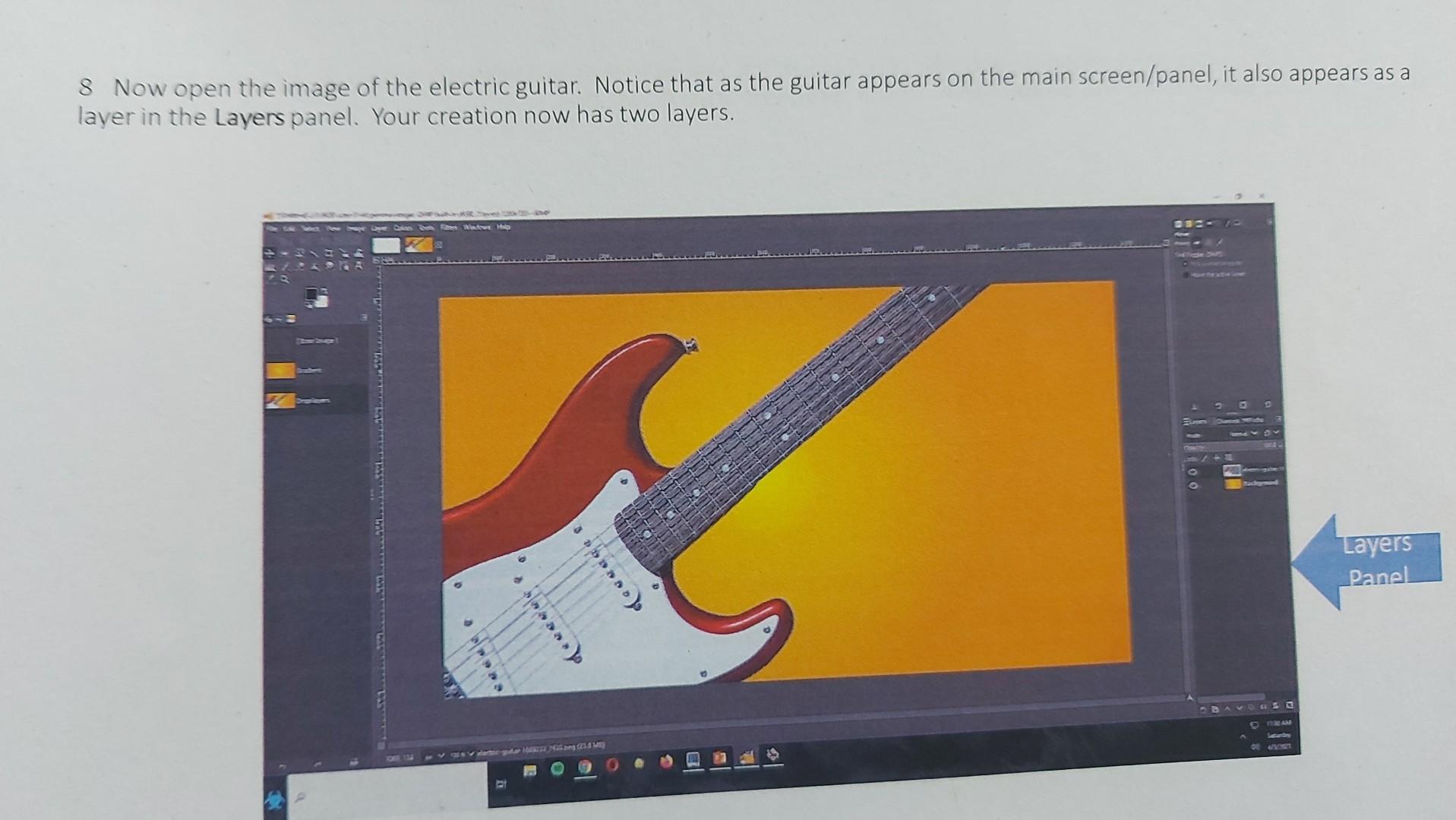
when i add guitar image it doesn't appear on the yellow background and I don't see two layers
8 Now open the image of the electric guitar. Notice that as the guitar appears on the main screen/panel, it also appears as a layer in the Layers panel. Your creation now has two layers
Step by Step Solution
There are 3 Steps involved in it
1 Expert Approved Answer
Step: 1 Unlock

Question Has Been Solved by an Expert!
Get step-by-step solutions from verified subject matter experts
Step: 2 Unlock
Step: 3 Unlock
 Study Help