







Question: When the user clicks on the Reply link, Create a reply-input section element that contains: an input field, and an image of an arrow. Also,
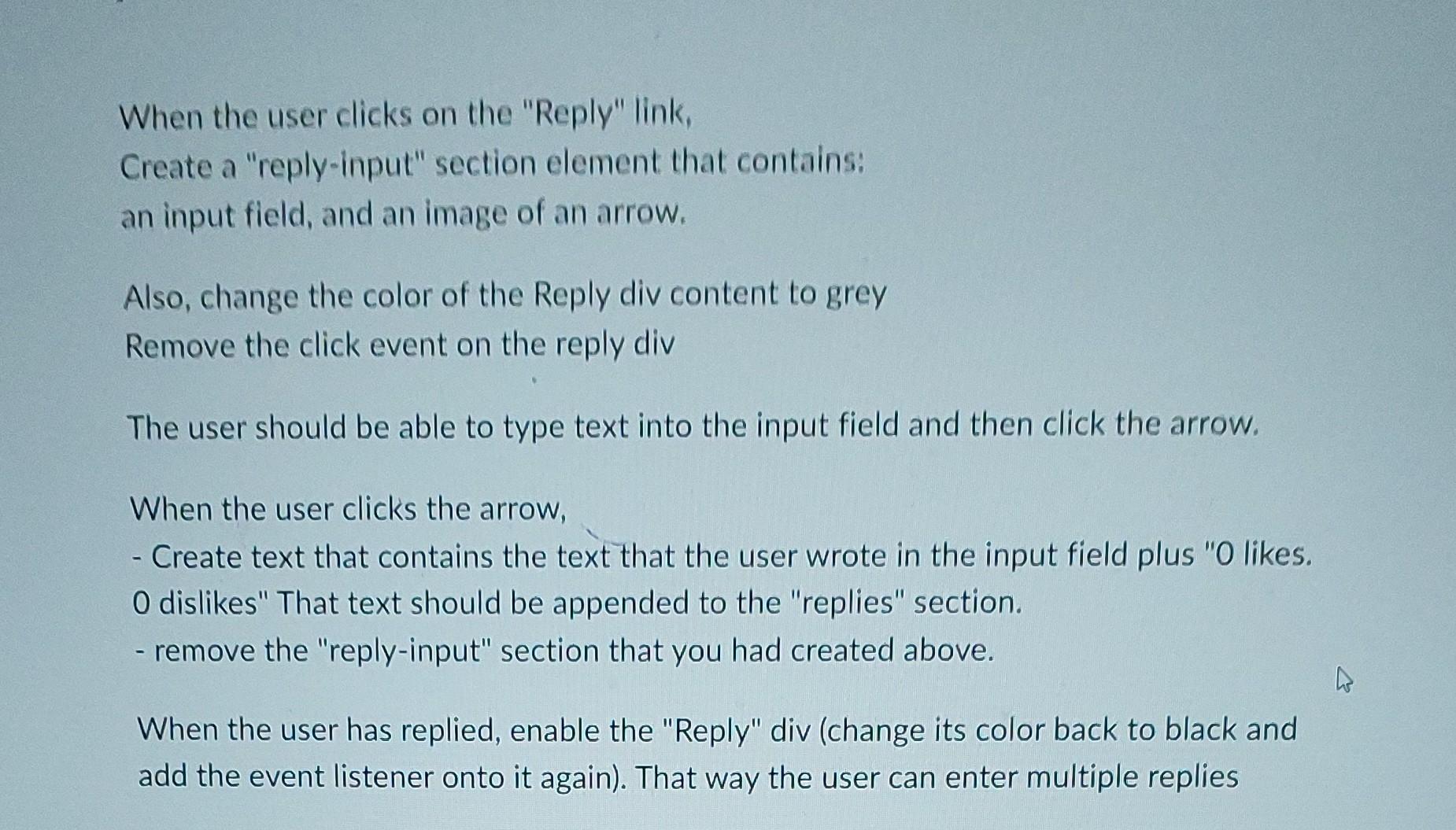
When the user clicks on the "Reply" link, Create a "reply-input" section element that contains: an input field, and an image of an arrow. Also, change the color of the Reply div content to grey Remove the click event on the reply div The user should be able to type text into the input field and then click the arrow. When the user clicks the arrow, - Create text that contains the text that the user wrote in the input field plus " 0 likes. 0 dislikes" That text should be appended to the "replies" section. - remove the "reply-input" section that you had created above. When the user has replied, enable the "Reply" div (change its color back to black and add the event listener onto it again). That way the user can enter multiple replies
Step by Step Solution
There are 3 Steps involved in it

Get step-by-step solutions from verified subject matter experts
 Study Help