



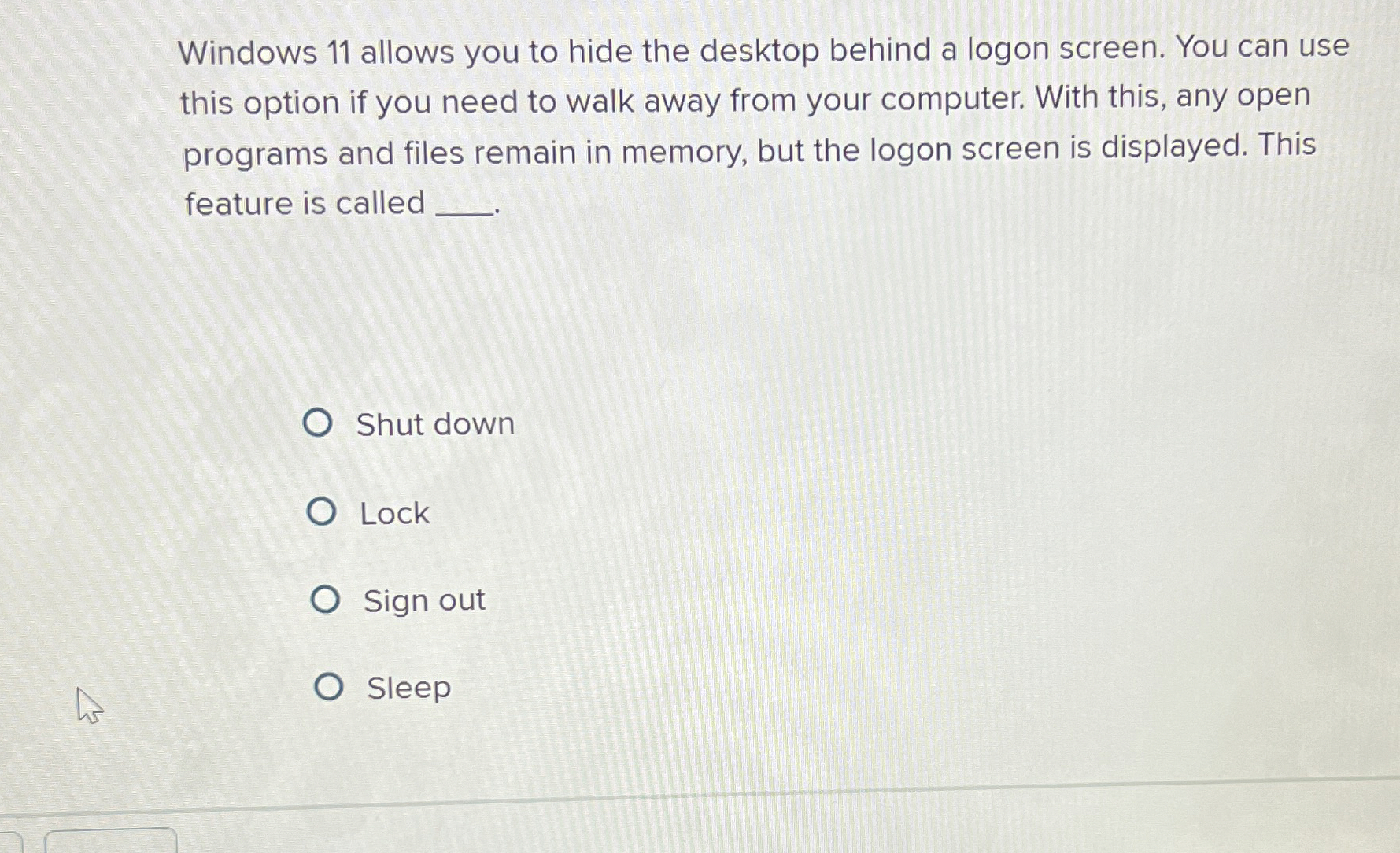
Question: Windows 1 1 allows you to hide the desktop behind a logon screen. You can use this option if you need to walk away from
Windows allows you to hide the desktop behind a logon screen. You can use this option if you need to walk away from your computer. With this, any open programs and files remain in memory, but the logon screen is displayed. This feature is called
Shut down
Lock
Sign out
Sleep
Step by Step Solution
There are 3 Steps involved in it
1 Expert Approved Answer
Step: 1 Unlock

Question Has Been Solved by an Expert!
Get step-by-step solutions from verified subject matter experts
Step: 2 Unlock
Step: 3 Unlock