







Question: With a blank, new project open in MS Project, click File tab > > Options > > Schedule. In the Scheduling options for fhis project
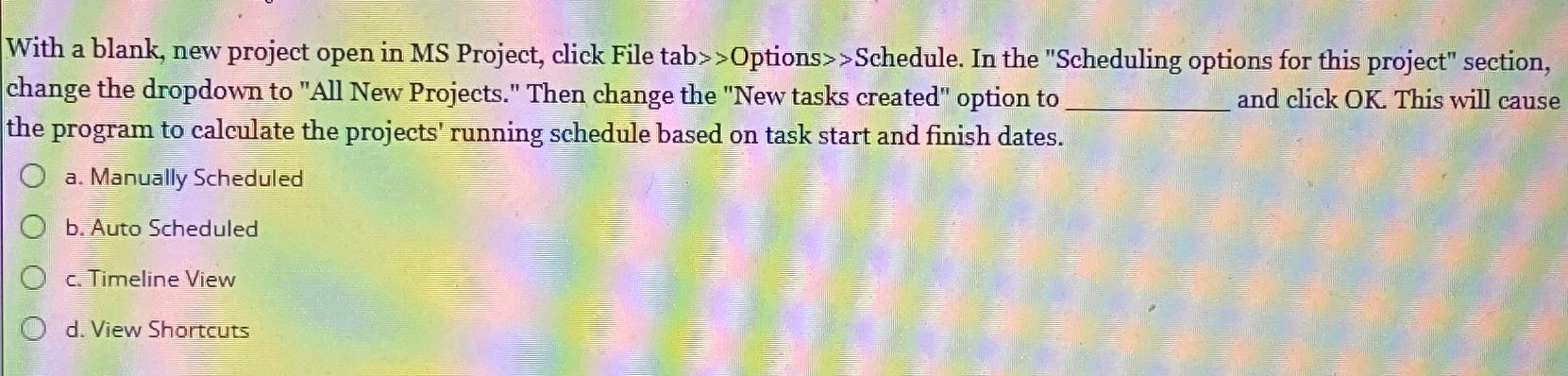
With a blank, new project open in MS Project, click File tabOptions Schedule. In the "Scheduling options for fhis project" section, change the dropdown to "All New Projects." Then change the "New tasks created" option to and click This will cause the program to calculate the projects' running schedule based on task start and finish dates.
a Manually Scheduled
b Auto Scheduled
c Timeline View
d View Shortcuts
Step by Step Solution
There are 3 Steps involved in it
1 Expert Approved Answer
Step: 1 Unlock

Question Has Been Solved by an Expert!
Get step-by-step solutions from verified subject matter experts
Step: 2 Unlock
Step: 3 Unlock
 Study Help