







Question: With Excel VBA, create a sub call ListofRivers to perform following tasks Please use VBA and screenshot the code ' Load the data in the
With Excel VBA, create a sub call "ListofRivers" to perform following tasks
Please use VBA and screenshot the code
' Load the data in the USA_rivers.csv into Worksheet 'ListofRivers'. The load should start in column A1. (It is okay to load the header record too).
' Determine the total volume of water discharged into the 'Gulf of Mexico' as you load the data. ' Determine the longest river, as you load the data. ' Determine the number of records read from the text-file
' Insert the following values two rows below the row already written to: (i.e., if the last row written to N, then insert into row N + 2). ' -- column A of that last row, insert the Name of the longest river ' -- column B of that last row, insert the number of rivers loaded into the worksheet. ' -- column C of that last row, insert the volume of water discharged into the 'Gulf of Mexico' as determied above.
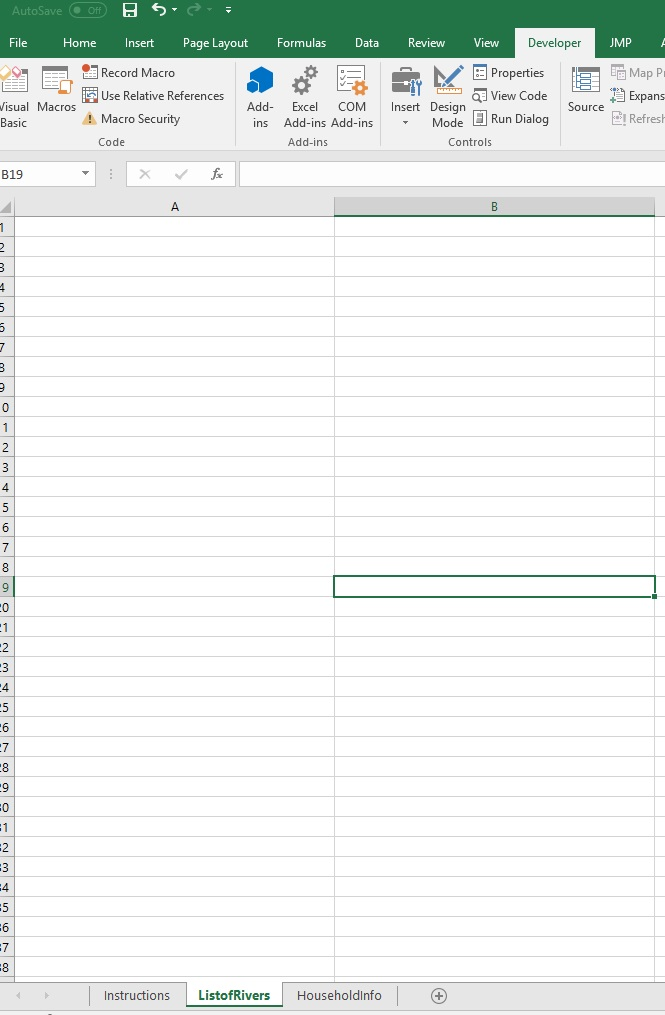
target Data sheet outlook.
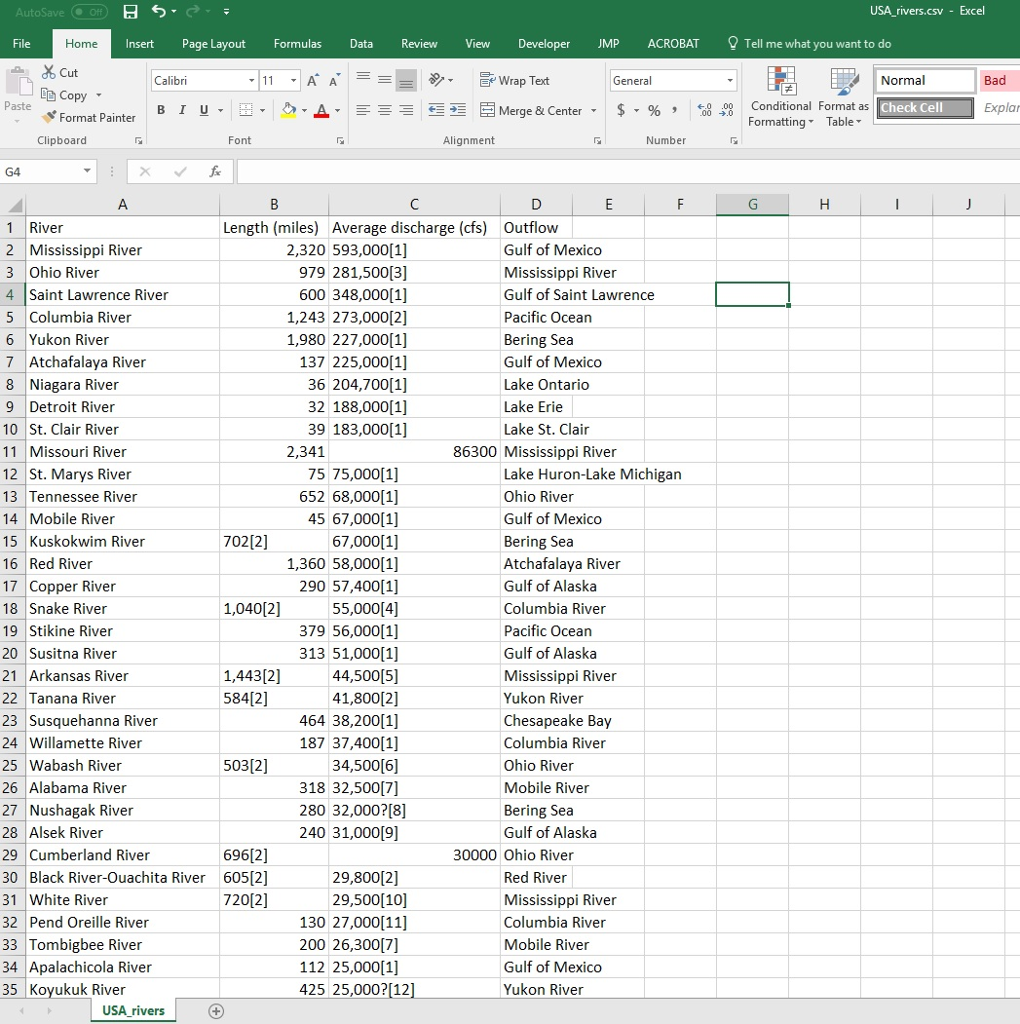
USA_RIVER.csv file outlook
AutoSave File Home InsertPage Layout Formulas Dat eview View Developer UMP Record Macro Use Relative References Macro Security Code Map pl Expans Refres Properties isual Macros Basic Insert Design View Code Run Dialog Add Excel COM I ource ins Add-ins Add-ins Mode Add-in Controls B19 4 4 .6 4 5 Instructions ListofRivers Householdlnfo
Step by Step Solution
There are 3 Steps involved in it

Get step-by-step solutions from verified subject matter experts
 Study Help