







Question: - Within the root of your website, create a file folder named scripts and create a shipping.js file within it . o This file will
Within the root of your website, create a file folder named scripts and create a shipping.js file within it
o This file will contain the JavaScript for this assignment.
o Code the $ function at the top of the file
o Add an event handler for DOMContentLoaded
Attach a function named calculate to the click event of the Calculate button
Move focus to the product cost text box
o calculate function
Parse the product cost
Check to see if product cost is a valid number that is greater than zero
If so pass the product cost to a function named calculateShipping
If not, throw an alert with an appropriate message
Leave focus on product cost
o calculateShipping function
Accept product cost as a parameter
The shipping cost will be calculated as a percentage of the product cost, according to the following table:
Product Cost
Shipping Cost Percentage
Greater than
Not greater than
xx
The function should return the sum of the product cost and the shipping cost
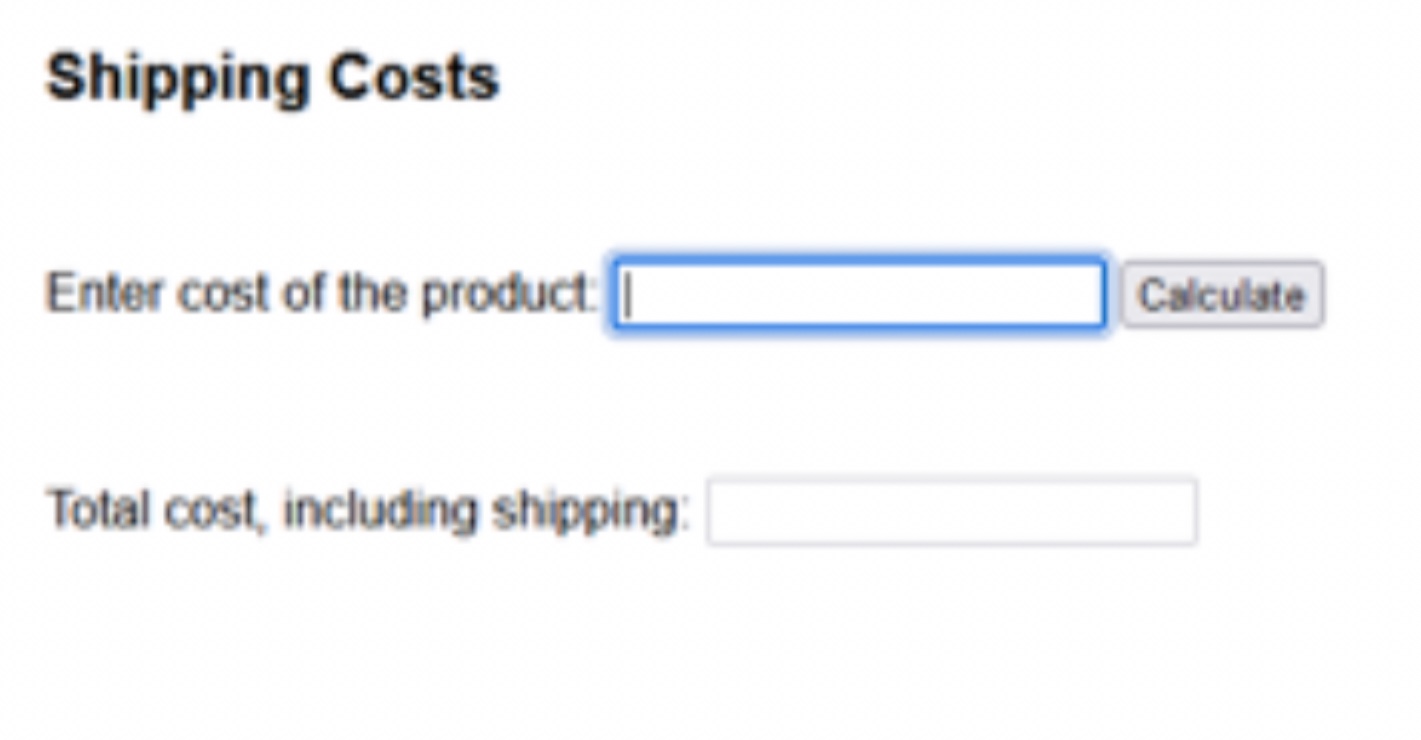
use javascript and c Shipping Costs
Enter cost of the product:
Total cost, including shipping:
Step by Step Solution
There are 3 Steps involved in it
1 Expert Approved Answer
Step: 1 Unlock

Question Has Been Solved by an Expert!
Get step-by-step solutions from verified subject matter experts
Step: 2 Unlock
Step: 3 Unlock
 Study Help