







Question: Work is related to excel formulas. Please complete steps e and f and shows the formulas needed for k11 and L11 on client registration tab.
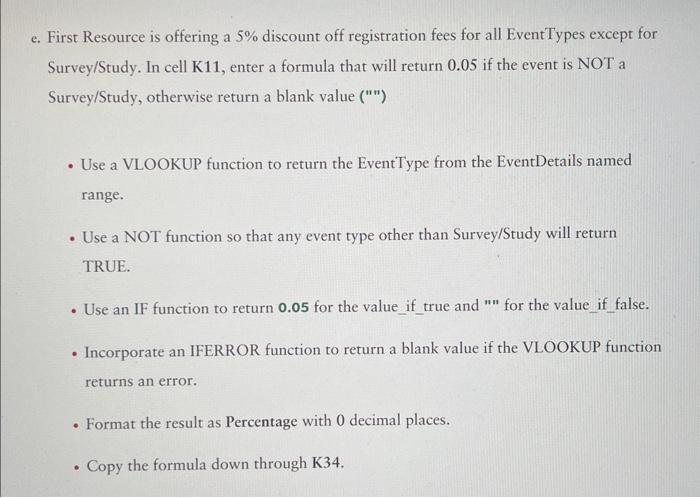
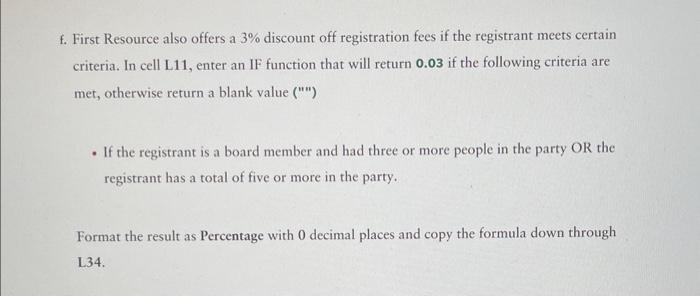
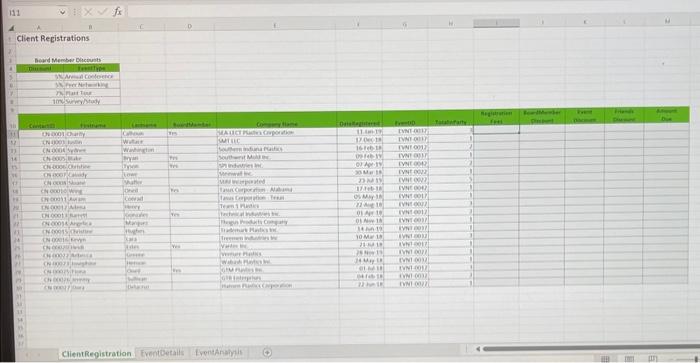
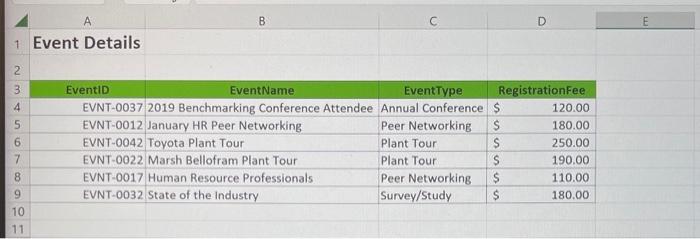
e. First Resource is offering a 5% discount off registration fees for all Event Types except for Survey/Study. In cell K11, enter a formula that will return 0.05 if the event is NOT a Survey/Study, otherwise return a blank value ("1") - Use a VLOOKUP function to return the EventType from the EventDetails named range. - Use a NOT function so that any event type other than Survey/Study will return TRUE. - Use an IF function to return 0.05 for the value_if_true and " "n for the value if false. - Incorporate an IFERROR function to return a blank value if the VLOOKUP function returns an error. - Format the result as Percentage with 0 decimal places. - Copy the formula down through K34. f. First Resource also offers a 3% discount off registration fees if the registrant meets certain criteria. In cell L11, enter an IF function that will return 0.03 if the following criteria are met, otherwise return a blank value (""I) - If the registrant is a board member and had three or more people in the party OR the registrant has a total of five or more in the party. Format the result as Percentage with 0 decimal places and copy the formula down through L34. Client Registrations
Step by Step Solution
There are 3 Steps involved in it

Get step-by-step solutions from verified subject matter experts
 Study Help