







Question: Working With Strings You will create a Python script that will take a user's input and convert lower case letters in the string into upper
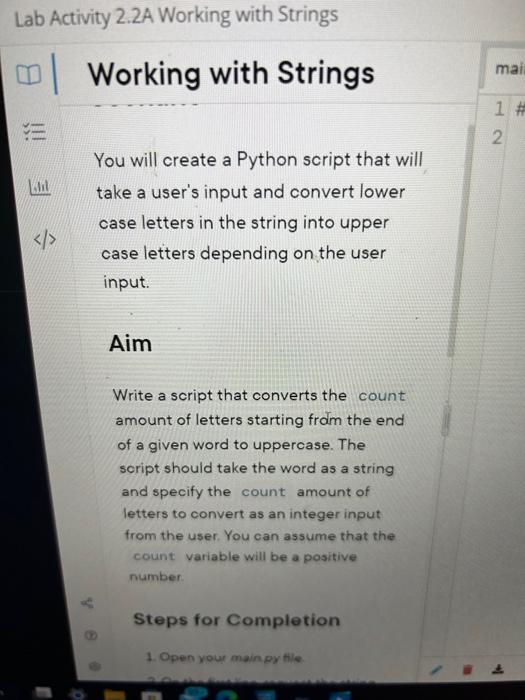
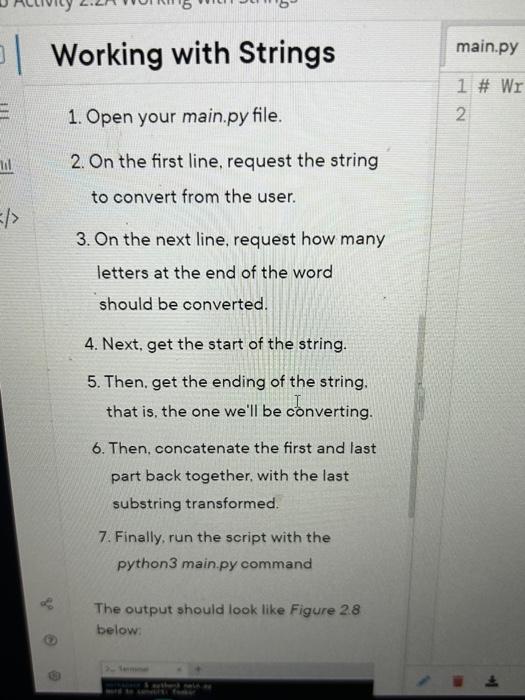
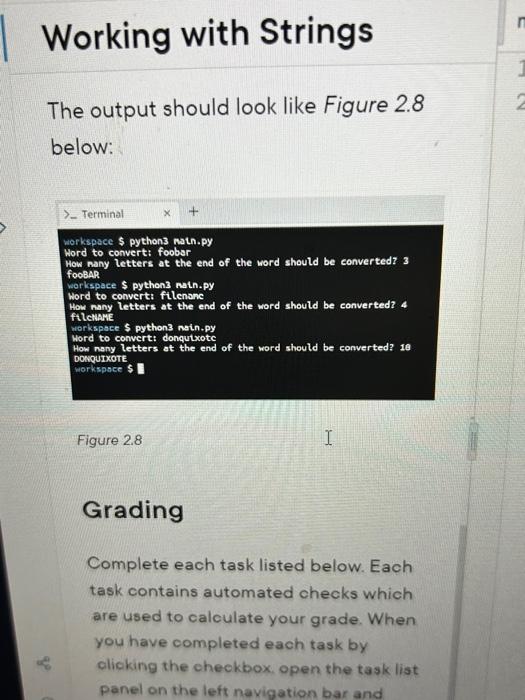
You will create a Python script that will take a user's input and convert lower case letters in the string into upper case letters depending on the user input. Aim Write a script that converts the count amount of letters starting from the end of a given word to uppercase. The soript should take the word as a string and specify the count amount of letters to convert as an integer input from the user. You can assume that the count variable will be a positive number. 1. Open your main.py file. 2. On the first line, request the string to convert from the user. 3. On the next line, request how many letters at the end of the word should be converted. 4. Next, get the start of the string. 5. Then, get the ending of the string. that is, the one we'll be converting. 6. Then, concatenate the first and last part back together, with the last substring transformed. 7. Finally, run the script with the python 3 main.py command The output should look like Figure 28 below: The output should look like Figure 2.8 below: workspace $ python3 natn.py Hord to convert: foobar How nany letters at the end of the word should be convertedz 3 focbsh workspace $ py thon3 natn.py Hord no converti filcnanc Letters at the end of the word should be converted? 4 ftlekMkE Mord to convertt donqutxote How nany letters at the end of the word should be converted? 10 DOwquIXOTE Figure 2.8 Grading Complete each task listed below. Each task contains automated checks which are used to calculate your grade. When you have completed each task by olicking the checkbox. open the task list panel on the left navigation bar and
Step by Step Solution
There are 3 Steps involved in it

Get step-by-step solutions from verified subject matter experts
 Study Help