





Question: Worksheet: Photoshop Basics - Using Layers Application Program Required Objective Instructions About thi Background layon Trew/Folon: Yew eam chango the stocking order of background, Its
Worksheet: Photoshop Basics - Using Layers
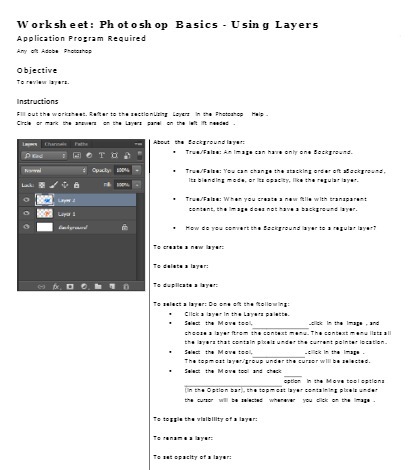
Worksheet: Photoshop Basics - Using Layers Application Program Required Objective Instructions About thi Background layon Trew/Folon: Yew eam chango the stocking order of background, Its blanding mods, or to cpacty, Ice the regular bye. Tres./Falon: When you crowto a now Alle with transpars-: Bepaint. the mopo dess not move a backpreand byer. How do you canwurt the Background layer to a repub. byeof To dolots a boyor: To Bepllent . boyne The polock s layer: be ann el the Collewing: Click a layer In the boyers pointto. _elk& In the Image . ard theeon a boyse forem the sonbeat mood. The context meme llets all the byars that certain pkob under the co cont points location. The topn got byor group under the sureer will bo . ociod. Select the Mova tool and chicx estlen In the Move toal options the prior will be closed where You click on the trip The topple the volbillty of a loyor: Tomnon s byre is on spochty of byon

Step by Step Solution

There are 3 Steps involved in it

1 Expert Approved Answer
Step: 1 Unlock blur-text-image

Question Has Been Solved by an Expert!

Get step-by-step solutions from verified subject matter experts

Step: 2 Unlock
Step: 3 Unlock

Students Have Also Explored These Related Mathematics Questions!