







Question: WorkshopSelector (1) insert Design Layout References Mailings ReviewView Help Tell me what you want to do chantha Control foiect) Control y Property Settings Page 1
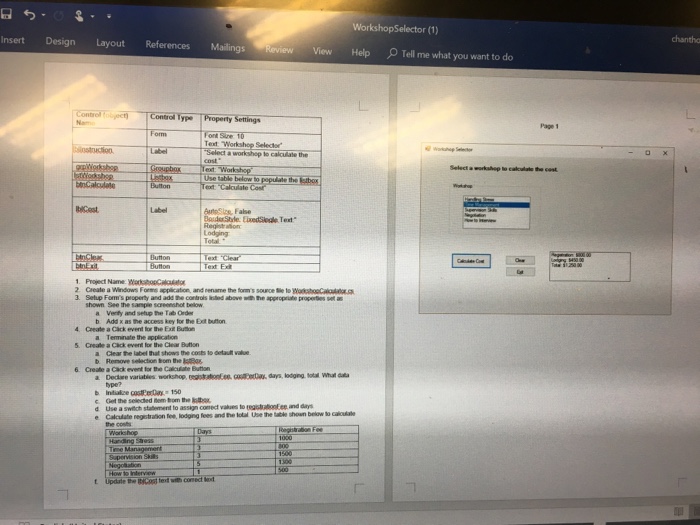
WorkshopSelector (1) insert Design Layout References Mailings ReviewView Help Tell me what you want to do chantha Control foiect) Control y Property Settings Page 1 Text Workshop Selectr toSize, Fabe e EixedSioale Text Lodging Total Text Clear 2 Create a Windows Forms application, and rename the forms source ile to WoroakO 3. Selup Form's property and add the controls lsted above sh the appropriale properies seta a Venty and setup the Tab Order b Add x as the access key for the Exit bution 4 create a Cack over kr the ExEutn Terminate the application the label that 6 Create a Cack event for the Calculate Bution 5 Create a Cick event for he Clear Bution a Clear b Remove selection bom the IstRos type? Use a switch statement to assign conect values to teisaonEee and days e Calculate registration fee, lodging fees and the ol Use the tack tlable shoun below to the conb t Update the c ted wih conect
Step by Step Solution
There are 3 Steps involved in it
To complete this project follow these steps Step 1 Setup the Windows Forms Application Create the Project Open Visual Studio create a new Windows Form... View full answer

Get step-by-step solutions from verified subject matter experts
 Study Help