







Question: Write a C++ program: Portable Pix Map lmage Format Specification The portable pix map image format (ppm) is one of the simplest methods of creating
Write a C++ program:
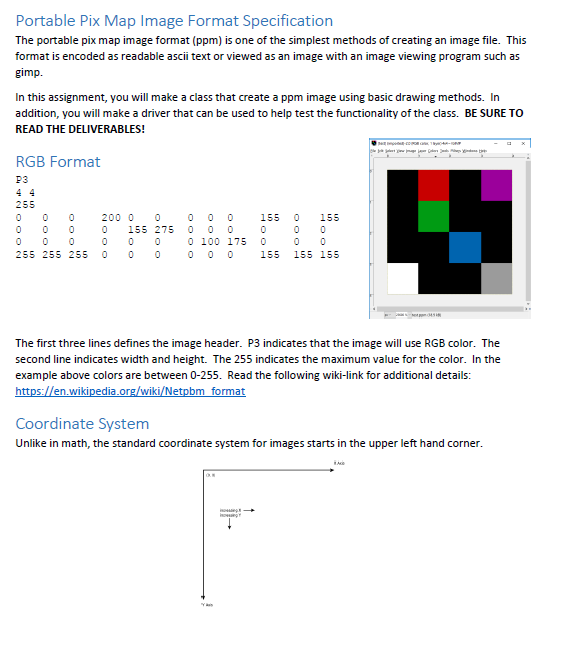
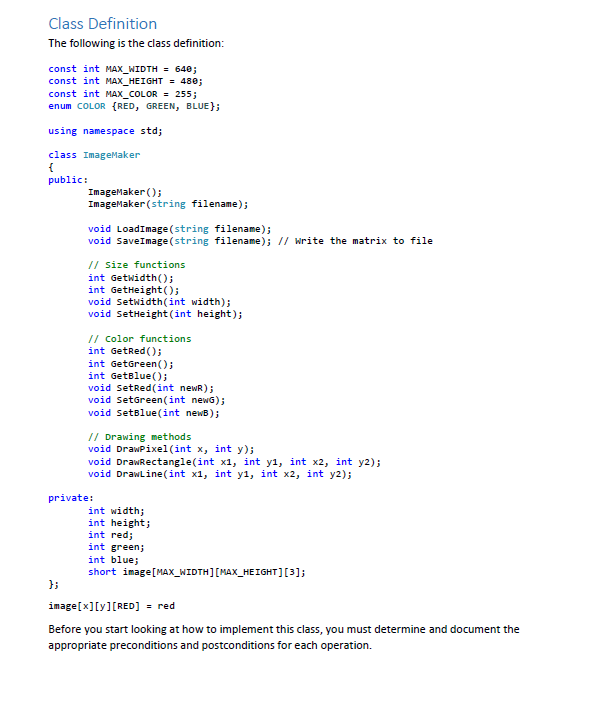
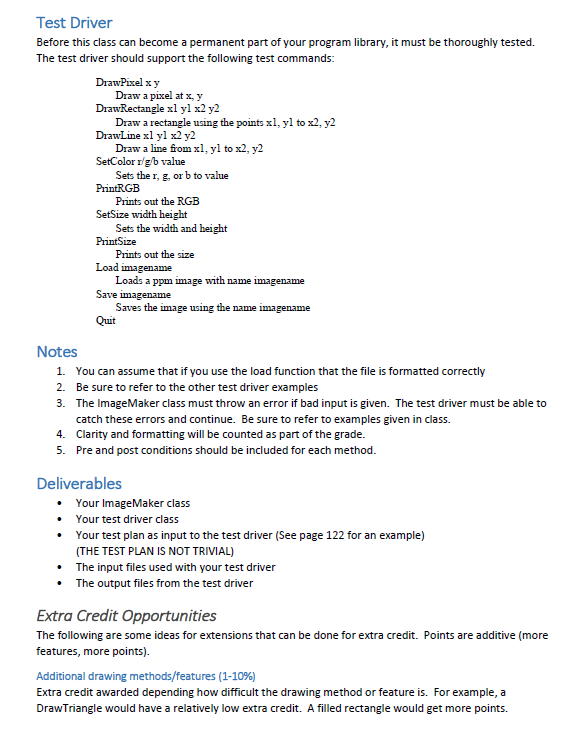
Portable Pix Map lmage Format Specification The portable pix map image format (ppm) is one of the simplest methods of creating an image file. This format is encoded as readable ascii text or viewed as an image with an image viewing program such as gimp. In this assignment, you will make a class that create a ppm image using basic drawing methods. In addition, you will make a driver that can be used to help test the functionality of the class. BESURE TO READ THE DELIVERABLES! RGB Format P3 4 4 55 55 255 55 The first three lines defines the image header. P3 indicates that the image will use RGB color. The second line indicates width and height. The 255 indicates the maximum value for the color. In the example above colors are between 0-255. Read the following wiki-link for additional details: https en.wikipedia.or wiki etpbm format Coordinate System Unlike in math, the standard coordinate system for images starts in the upper left hand corner. Portable Pix Map lmage Format Specification The portable pix map image format (ppm) is one of the simplest methods of creating an image file. This format is encoded as readable ascii text or viewed as an image with an image viewing program such as gimp. In this assignment, you will make a class that create a ppm image using basic drawing methods. In addition, you will make a driver that can be used to help test the functionality of the class. BESURE TO READ THE DELIVERABLES! RGB Format P3 4 4 55 55 255 55 The first three lines defines the image header. P3 indicates that the image will use RGB color. The second line indicates width and height. The 255 indicates the maximum value for the color. In the example above colors are between 0-255. Read the following wiki-link for additional details: https en.wikipedia.or wiki etpbm format Coordinate System Unlike in math, the standard coordinate system for images starts in the upper left hand corner
Step by Step Solution
There are 3 Steps involved in it

Get step-by-step solutions from verified subject matter experts
 Study Help